Custom Profile Backgrounds

KoGaMa Custom Profile Background Support.

K instalaci tototo skriptu si budete muset nainstalovat rozšíření jako Tampermonkey, Greasemonkey nebo Violentmonkey.

You will need to install an extension such as Tampermonkey to install this script.

K instalaci tohoto skriptu si budete muset nainstalovat rozšíření jako Tampermonkey nebo Violentmonkey.

K instalaci tohoto skriptu si budete muset nainstalovat rozšíření jako Tampermonkey nebo Userscripts.

You will need to install an extension such as Tampermonkey to install this script.

K instalaci tohoto skriptu si budete muset nainstalovat manažer uživatelských skriptů.

(Už mám manažer uživatelských skriptů, nechte mě ho nainstalovat!)

You will need to install an extension such as Stylus to install this style.

You will need to install an extension such as Stylus to install this style.

You will need to install an extension such as Stylus to install this style.

You will need to install a user style manager extension to install this style.

You will need to install a user style manager extension to install this style.

You will need to install a user style manager extension to install this style.

(Už mám manažer uživatelských stylů, nechte mě ho nainstalovat!)

Autor
Devorkk
Denně instalací
0
Celkem instalací
161
Hodnocení
0 0 0
Verze
0.3
Vytvořeno
17. 01. 2023
Aktualizováno
17. 01. 2023
Size
1,6 KB
Licence
neuvedeno
Spustit na

Custom Profile Backgrounds v0.3

Check out this script at GitHub 🧑‍💻

About

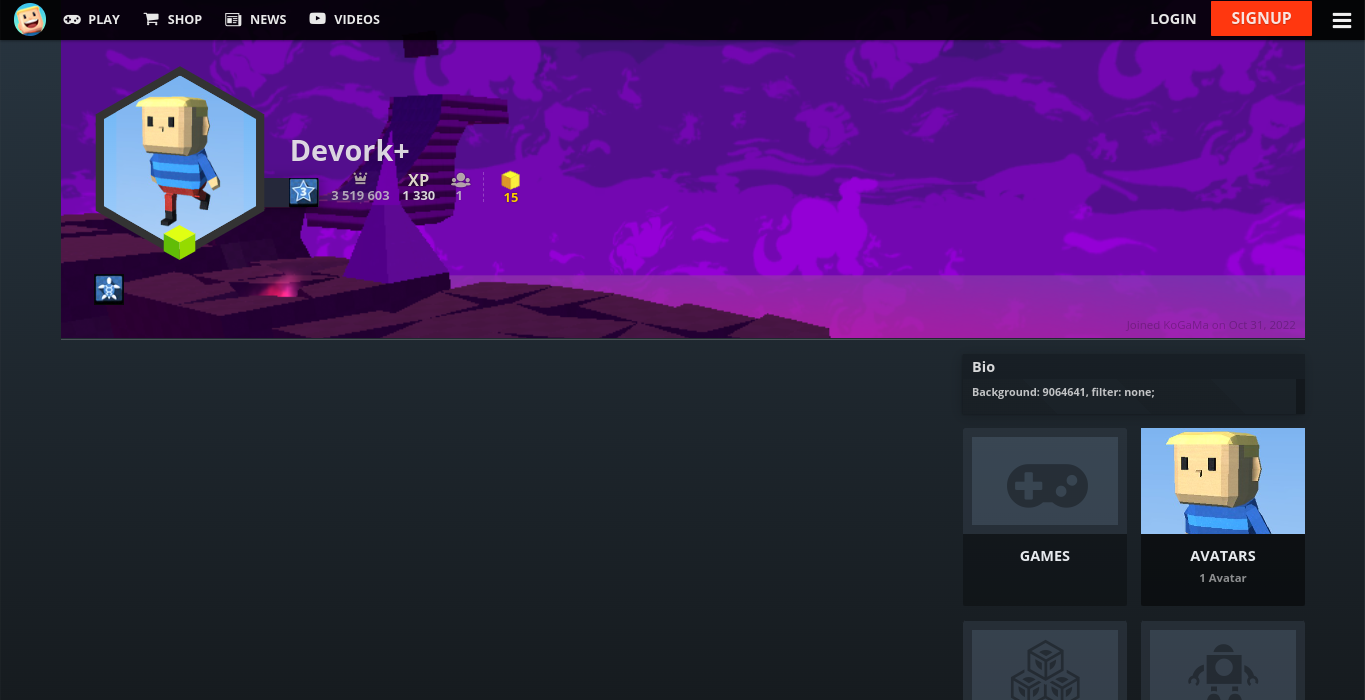
Custom profile background support. Showcase a game or create some profile art for all to enjoy at KoGaMa.

This idea was originally created by the KoGaMa Buddy or ProGraMa Studios, and re-created by me so, others users can enjoy this little tool on a non-firefox/firefox browser.

Preview

Usage

To set a custom profile background, include the following format somewhere in your profile description:
Background: GAME_ID, filter: FILTER;

  • GAME_ID: is the ID of a game on the current server.
  • FILTER: can be light, dark, blur, or none.

Note: The format is case-sensitive, and filter is optional with a default value of light.
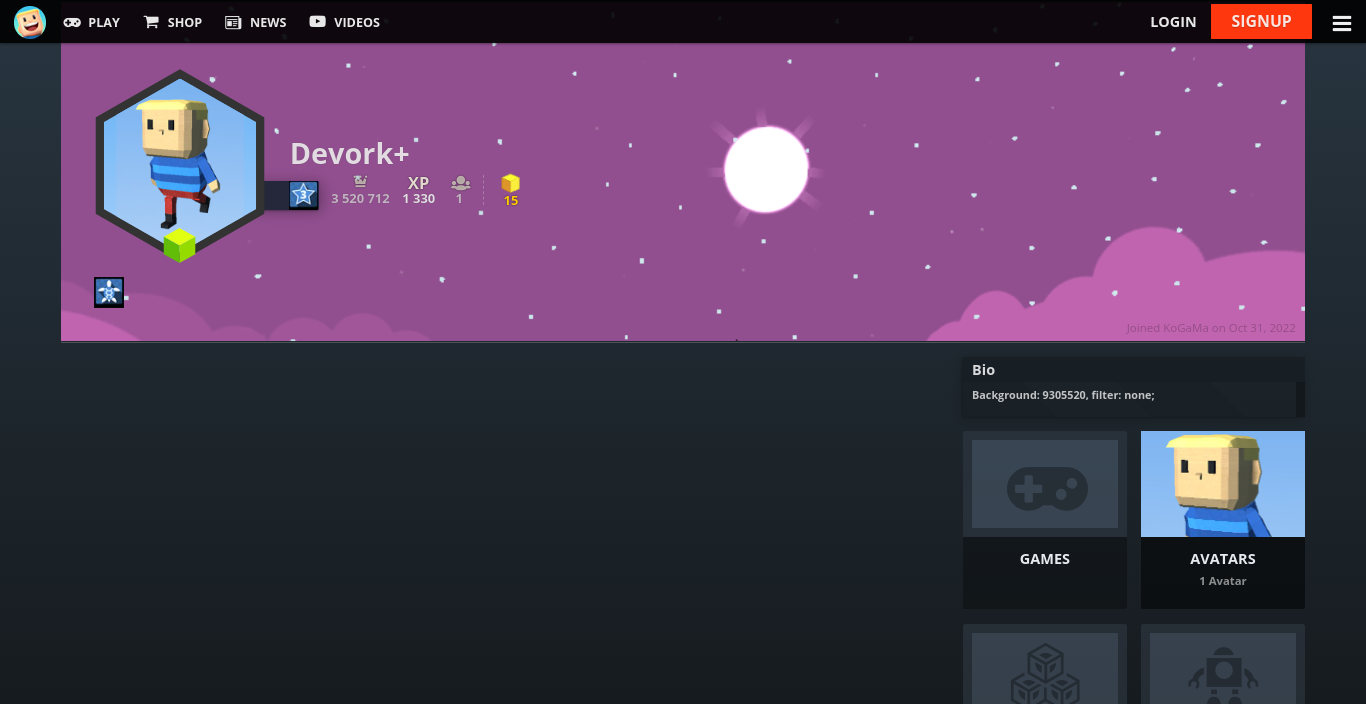
Example