Better Keyboard Shortcuts for SharePoint

Simpler keyboard shorcuts with visual indicators for Microsoft SharePoint videos

θα χρειαστεί να εγκαταστήσετε μια επέκταση όπως το Tampermonkey, το Greasemonkey ή το Violentmonkey για να εγκαταστήσετε αυτόν τον κώδικα.

You will need to install an extension such as Tampermonkey to install this script.

θα χρειαστεί να εγκαταστήσετε μια επέκταση όπως το Tampermonkey ή το Violentmonkey για να εγκαταστήσετε αυτόν τον κώδικα.

θα χρειαστεί να εγκαταστήσετε μια επέκταση όπως το Tampermonkey ή το Userscripts για να εγκαταστήσετε αυτόν τον κώδικα.

You will need to install an extension such as Tampermonkey to install this script.

Θα χρειαστεί να εγκαταστήσετε μια επέκταση διαχείρισης κώδικα χρήστη για να εγκαταστήσετε αυτόν τον κώδικα.

(Έχω ήδη έναν διαχειριστή κώδικα χρήστη, επιτρέψτε μου να τον εγκαταστήσω!)

You will need to install an extension such as Stylus to install this style.

You will need to install an extension such as Stylus to install this style.

You will need to install an extension such as Stylus to install this style.

You will need to install a user style manager extension to install this style.

You will need to install a user style manager extension to install this style.

You will need to install a user style manager extension to install this style.

(Έχω ήδη έναν διαχειριστή στυλ χρήστη, επιτρέψτε μου να τον εγκαταστήσω!)

Δημιουργός
kazcfz
Ημερήσιες εγκαταστάσεις
0
Σύνολο εγκαταστάσεων
3
Βαθμολογίες
0 0 0
Έκδοση
1.3.0
Δημιουργήθηκε την
04/06/2025
Ενημερώθηκε την
12/06/2025
Μέγεθος
20 KB
Άδεια
MIT
Εφαρμόζεται σε

Better Keyboard Shortcuts for SharePoint

Available in the Chrome Web Store View on GitHub

Simpler keyboard shortcuts with visual indicators for Microsoft SharePoint videos
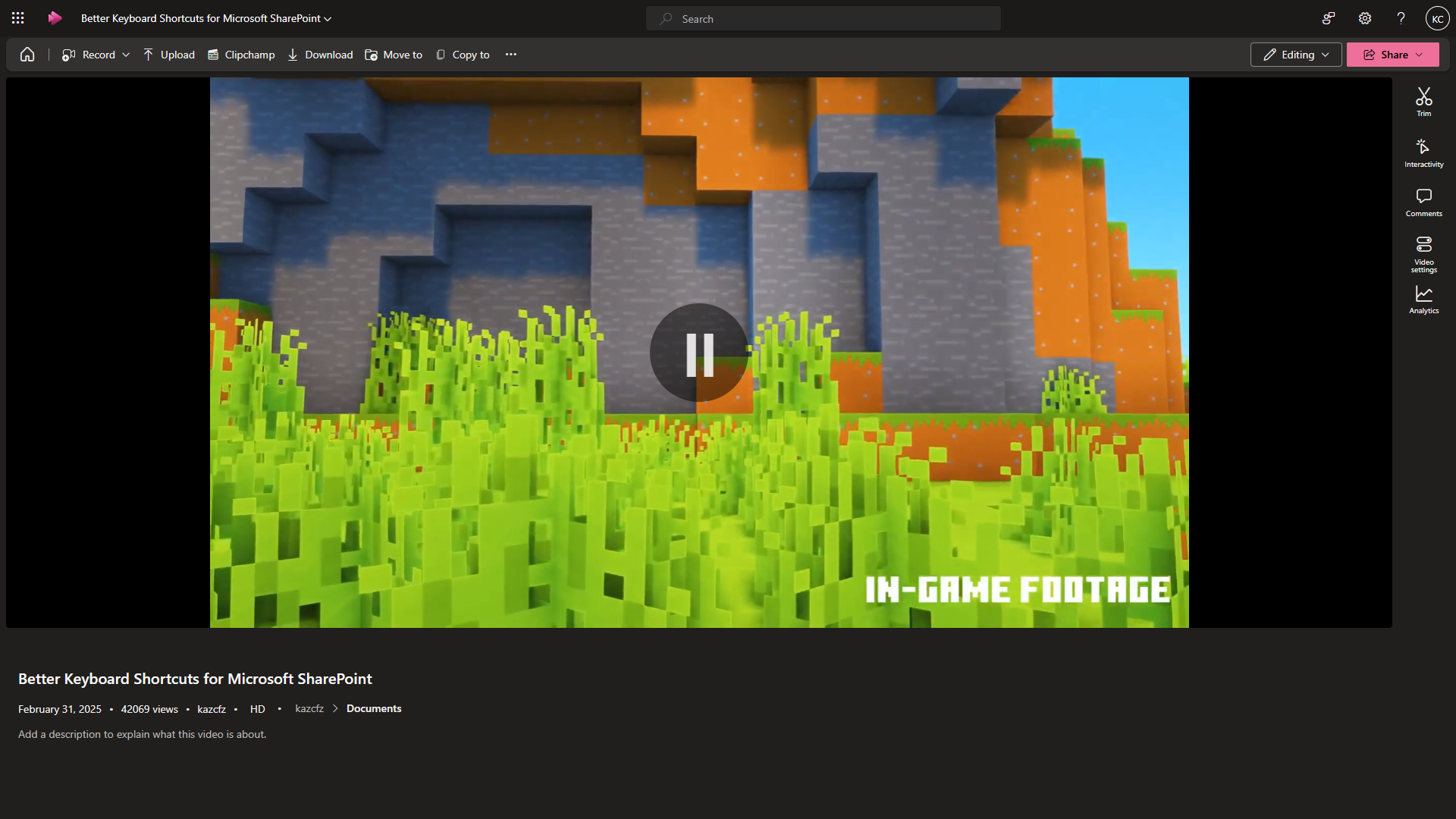
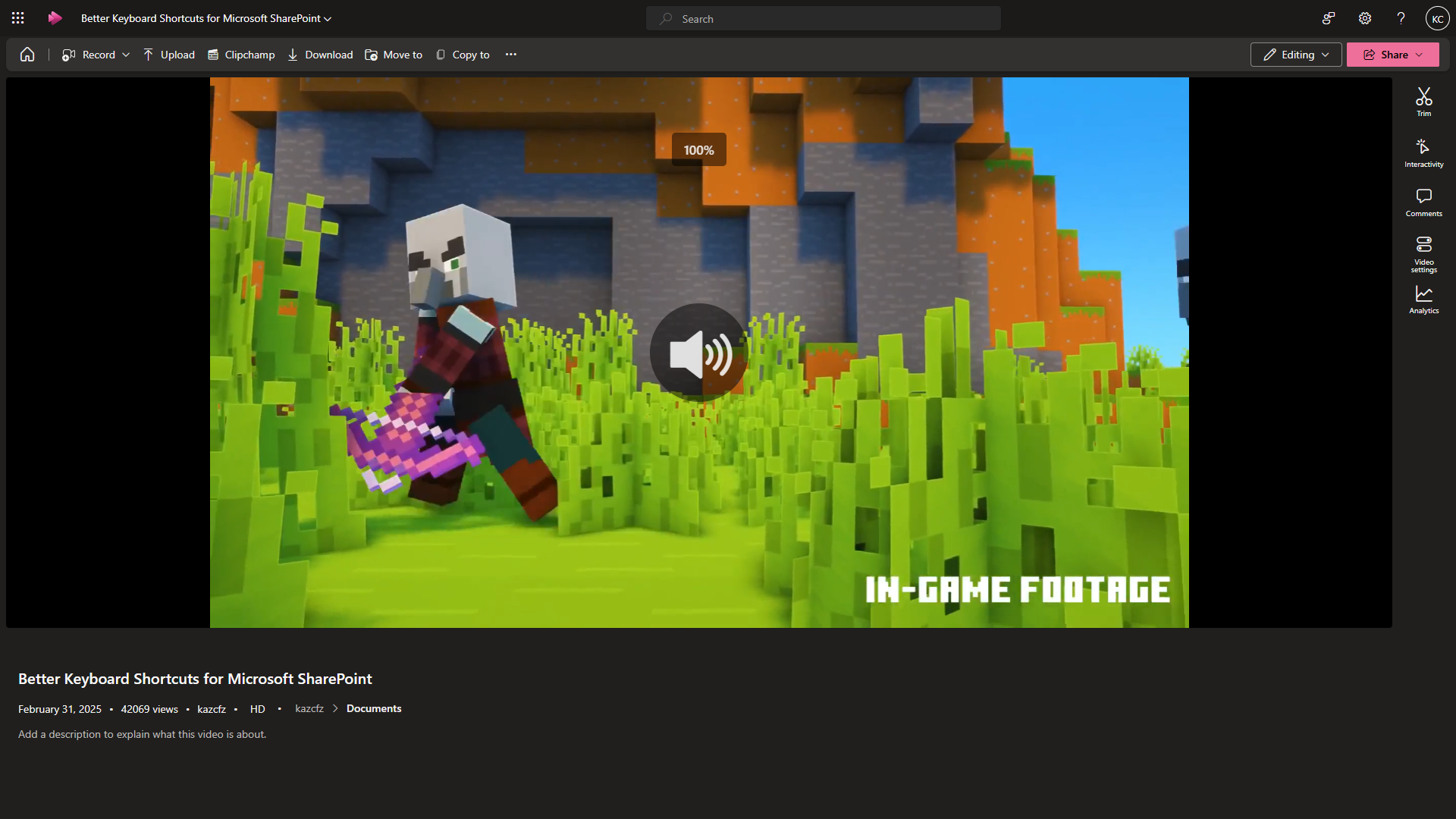
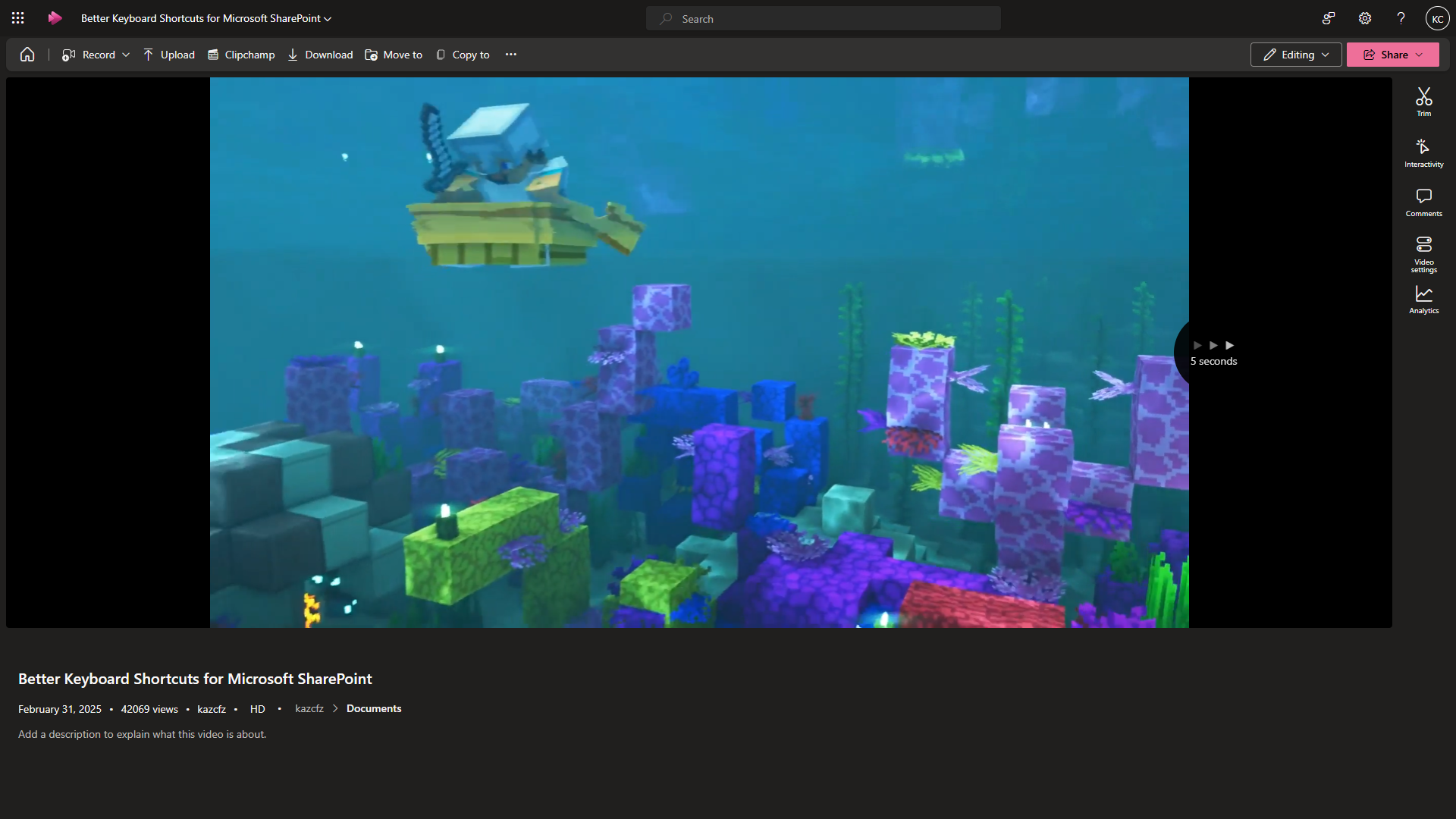
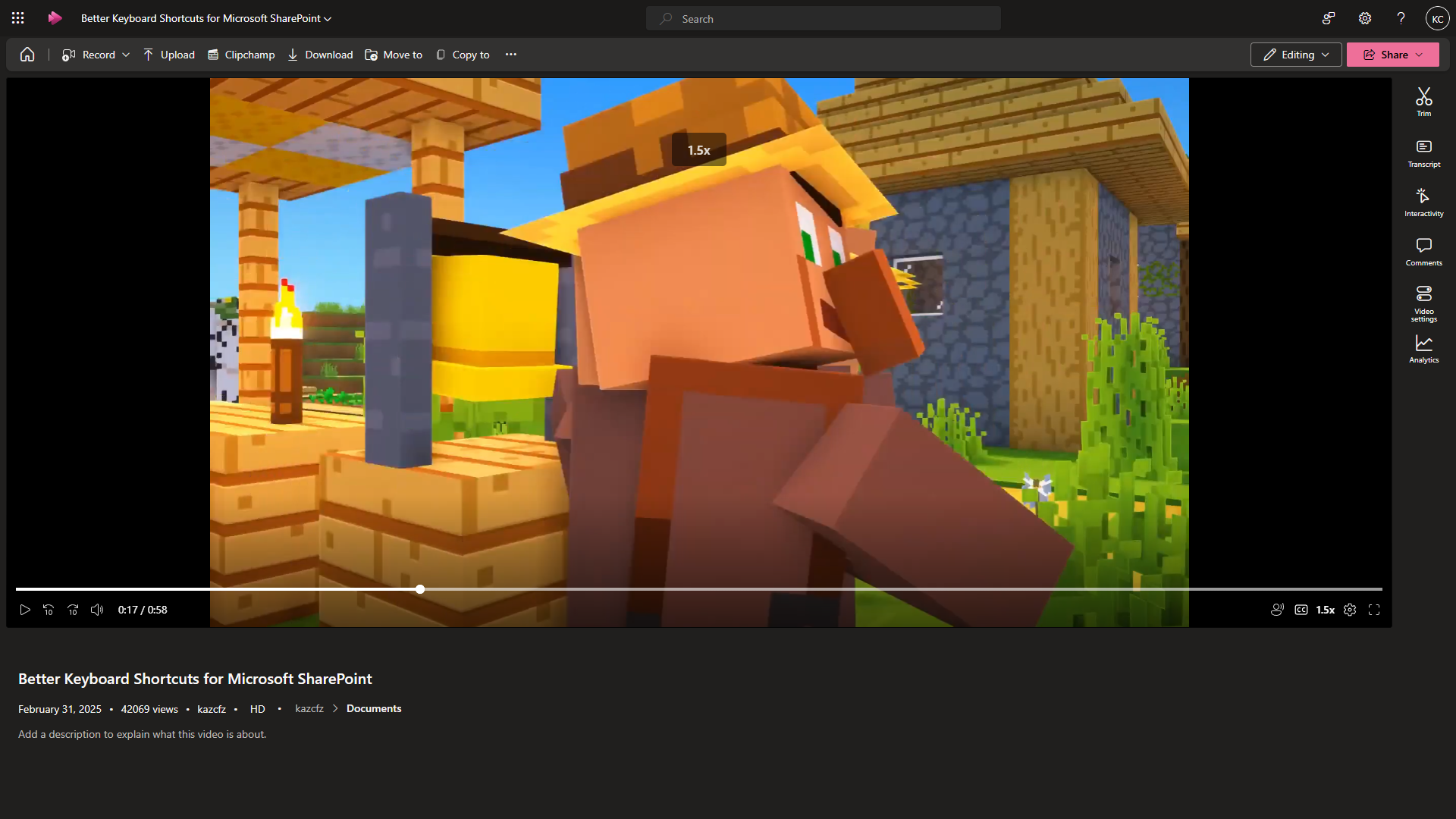
Screenshot Preview Screenshot PreviewScreenshot Preview Screenshot Preview

⚙️ Update

v1.3.0 (12/06/25)
▪ Added more keyboard shortcuts and visual indicators
▪ Changed visual indicators' sizes and duration

v1.2.1 (12/06/25)
▪ Fixed inconsistent coloring of visual indicators

v1.2.0 (06/06/25)
▪ Added visual indicators for Play/Pause/Volume Up/Down/Mute
▪ Added more keyboard shortcuts (Arrow up/down for volume. Space for play/pause. 'm' for mute. 'c' for captions. 'a' for noise suppression)
▪ Added support for embedded videos

v1.1.1 (04/06/25)
▪ Improved reliability to detect dynamically-loaded video player

v1.1.0 (04/06/25)
▪ Added overlay to display left/right triangle animation and seconds skipped
▪ Restricted function to arrow keys only, excluding combination keys (e.g. Alt + Left-arrow)