Greasy Fork is available in English.

Evernote Full Screen View

Adds a full screen option to view Evernote Notes in view mode.

Tendrás que instalar una extensión para tu navegador como Tampermonkey, Greasemonkey o Violentmonkey si quieres utilizar este script.

You will need to install an extension such as Tampermonkey to install this script.

Tendrás que instalar una extensión como Tampermonkey o Violentmonkey para instalar este script.

Necesitarás instalar una extensión como Tampermonkey o Userscripts para instalar este script.

Tendrás que instalar una extensión como Tampermonkey antes de poder instalar este script.

Necesitarás instalar una extensión para administrar scripts de usuario si quieres instalar este script.

(Ya tengo un administrador de scripts de usuario, déjame instalarlo)

Tendrás que instalar una extensión como Stylus antes de poder instalar este script.

Tendrás que instalar una extensión como Stylus antes de poder instalar este script.

Tendrás que instalar una extensión como Stylus antes de poder instalar este script.

Para poder instalar esto tendrás que instalar primero una extensión de estilos de usuario.

Para poder instalar esto tendrás que instalar primero una extensión de estilos de usuario.

Para poder instalar esto tendrás que instalar primero una extensión de estilos de usuario.

(Ya tengo un administrador de estilos de usuario, déjame instalarlo)

Autor
Amourspirit
Instalaciones diarias
0
Instalaciones totales
44
Calificaciones
0 0 0
Versión
1.2.0
Creado
16/3/2019
Actualizado
24/3/2019
Tamaño
51,6 KB
Licencia
MIT
Funciona en

Evernote Fullscreen user script

A bigger experience

https://img.shields.io/badge/Install-Install%20user%20script-brightgreen.svg https://img.shields.io/badge/Source-View%20Source%20Code-green.svg GitHub package.json version

THE WHAT

Evernote Fullscreen is a userscript that gives a option to veiw your note in fullscreen.

An Evernote public shared note is a slightly different page then a private note page.

Public view

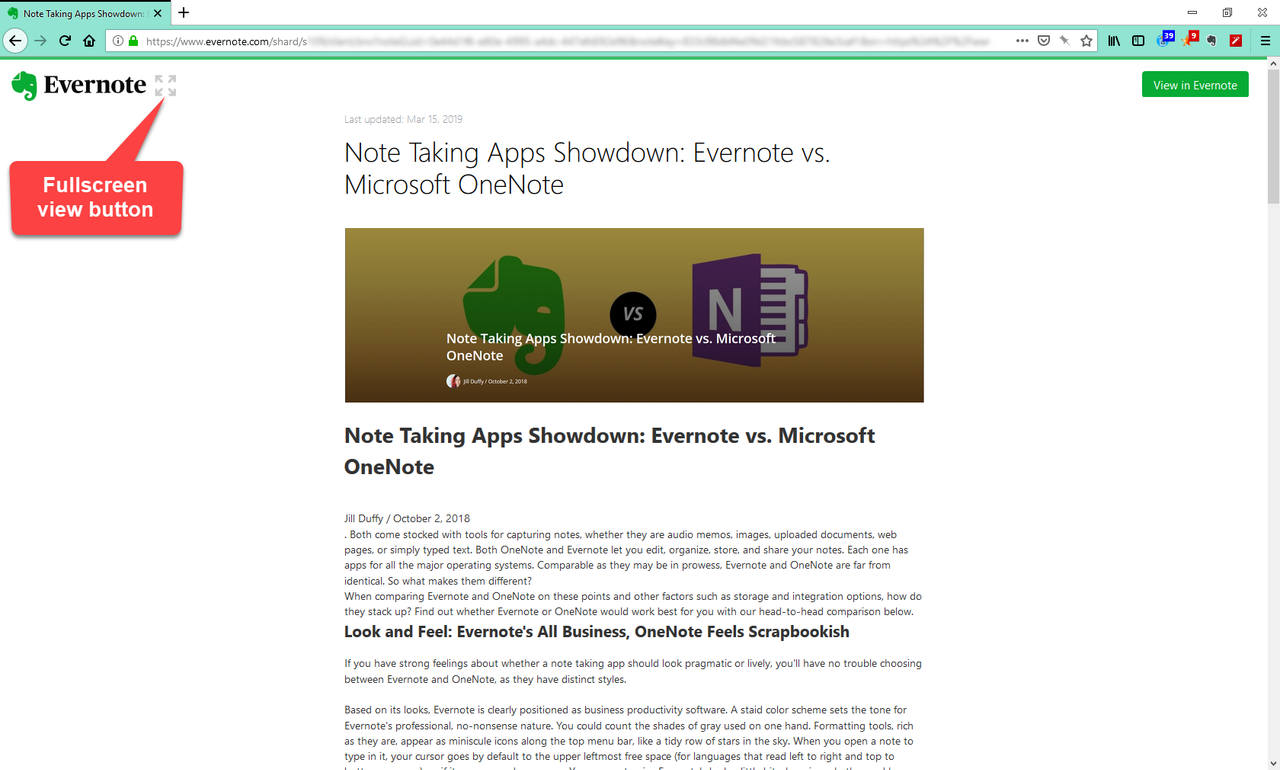
On a public shared note this script adds a fullscreen view button as shown below.
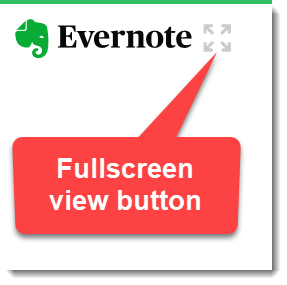
public-clip-button.png

When the mouse is placed over the full screen button it looks like the following.
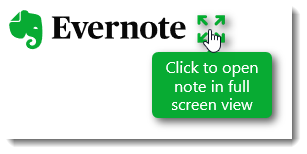
public-clip-mouseover.png
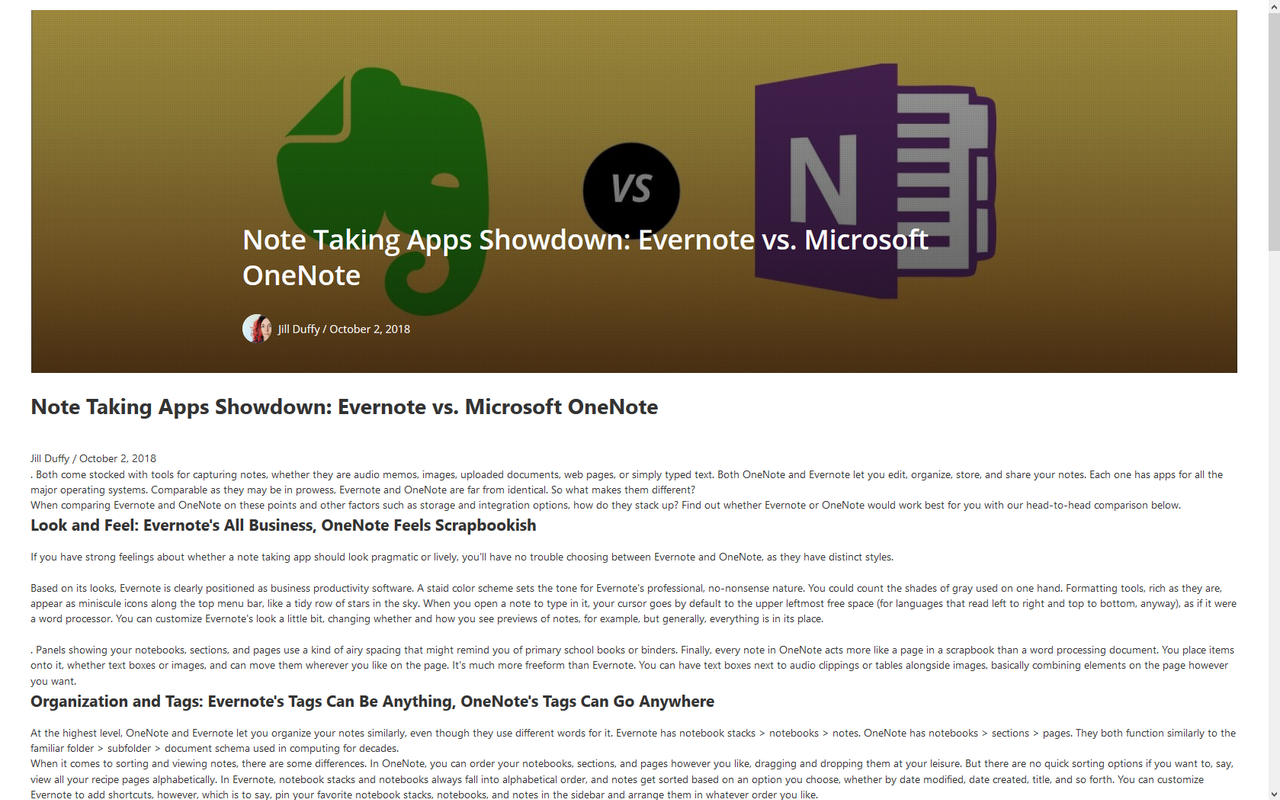
Clicking on the full screen button puts the note on the page into full screen view.
Only the note body will be visible. The note title is not shown in full screen.
When in full screen view just press the esc key to exit full screen view.

Private view

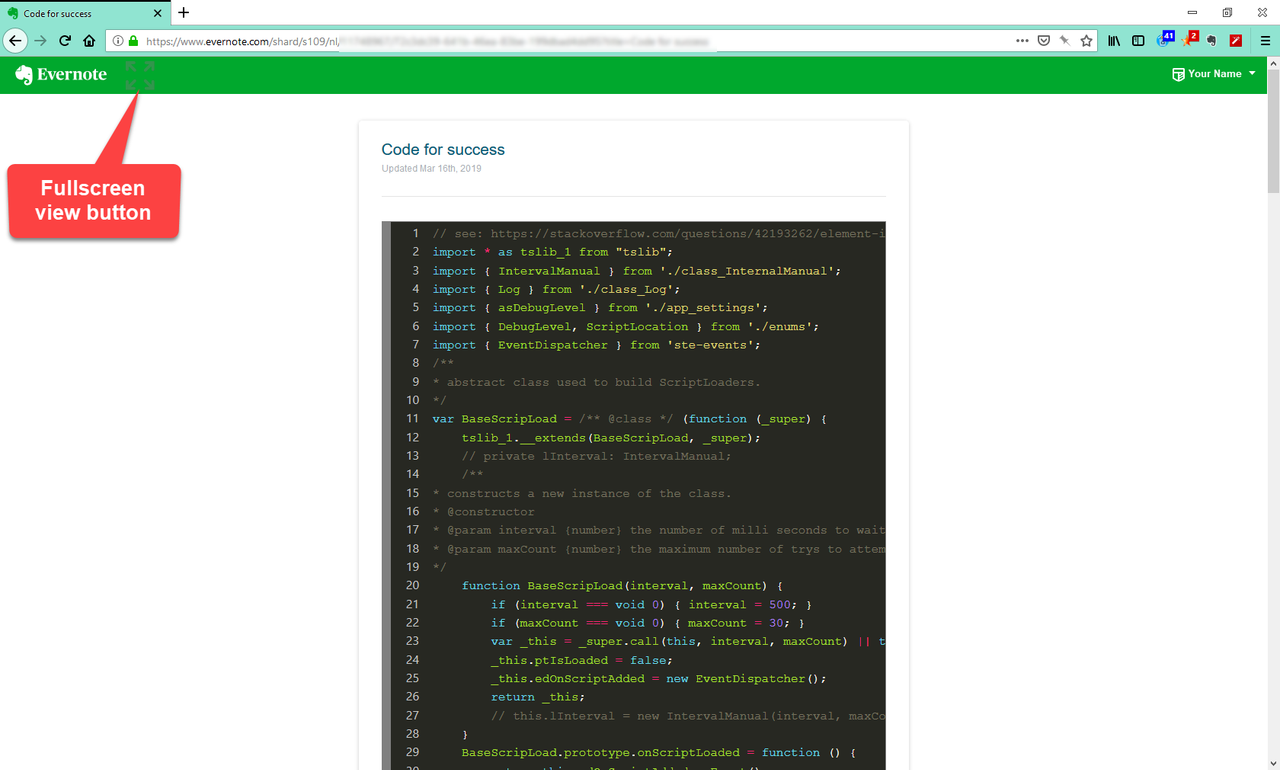
On a private note this script adds a fullscreen view button as shown below.
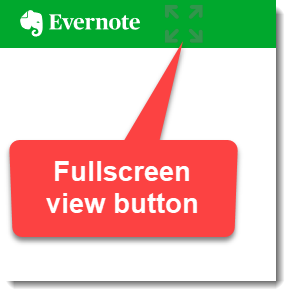
private-clip-button.png

When the mouse is placed over the full screen button it looks like the following.
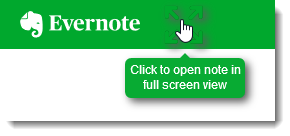
private-clip-mouseover.png
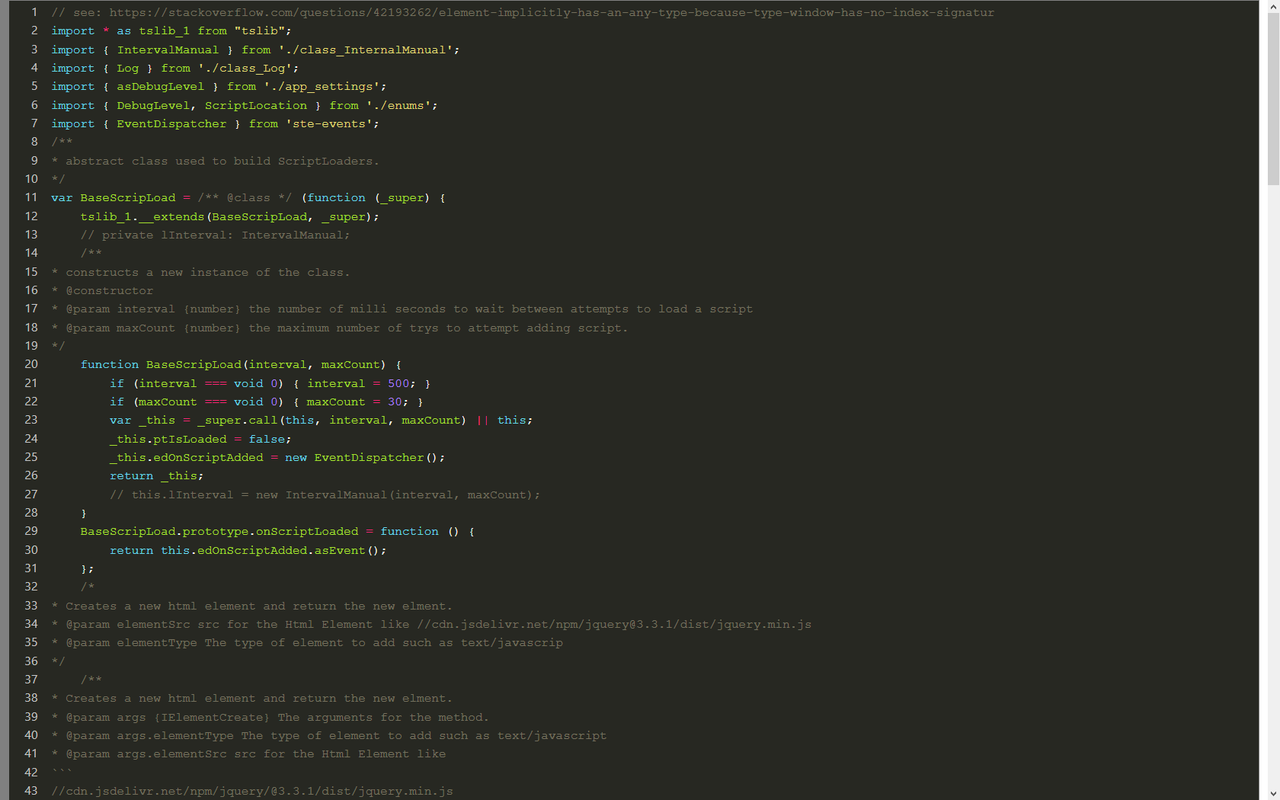
Clicking on the full screen button puts the note on the page into full screen view.
Only the note body will be visible. The note title is not shown in full screen.
When in full screen view just press the esc key to exit full screen view.

THE WHERE

https://img.shields.io/badge/Install-Install%20user%20script-brightgreen.svg https://img.shields.io/badge/Source-View%20Source%20Code-green.svg

Other Notes

How do you view your note in full screen view when your in edit mode?
Evernote has a ... menu item as show here
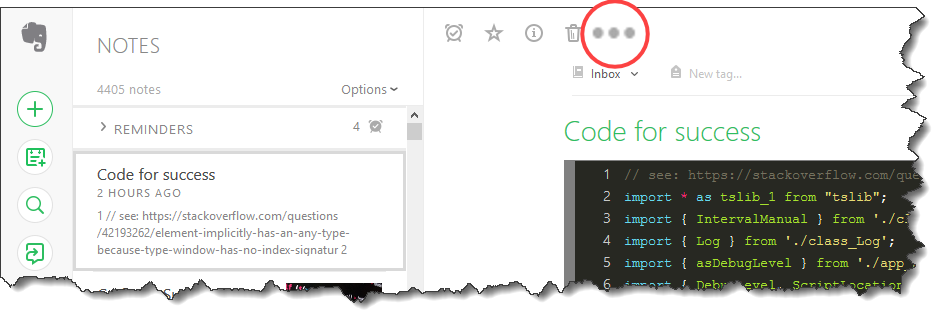
Magnified-3dot.png
Click that ... menu item and a Copy notelink option will appear as shown here
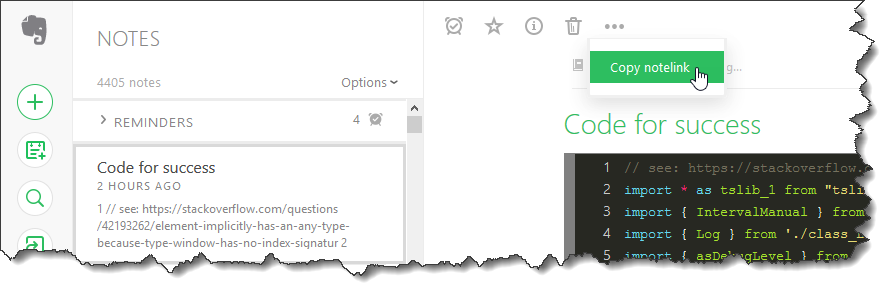
copy-notelink.png Click the Copy notelink
Now a confirmation will appear

link-copied.png
Now just paste the link into the browsers address bar and you will be able to view that note in full screen.

Related

TinyMCE%20for%20Evernote-Get%20Extended%20Evernote%20Editor-informational.svg

Authors

Paul Moss

Donate

**Making a donation is an act of generosity. Your support, however modest it might be, is necessary.

Paypal donate

Screen shots

Public shared note view.
public-fullscreen-view-button.png

Public shared full screen view.
public-fullscreen-view.png

Private note view.
private-normal-fullscreen-button.png

Private note view full screen.
private-fullscreen.png

Uses