Better Keyboard Shortcuts for SharePoint

Simpler keyboard shorcuts with visual indicators for Microsoft SharePoint videos

スクリプトをインストールするには、Tampermonkey, GreasemonkeyViolentmonkey のような拡張機能のインストールが必要です。

You will need to install an extension such as Tampermonkey to install this script.

スクリプトをインストールするには、TampermonkeyViolentmonkey のような拡張機能のインストールが必要です。

スクリプトをインストールするには、TampermonkeyUserscripts のような拡張機能のインストールが必要です。

このスクリプトをインストールするには、Tampermonkeyなどの拡張機能をインストールする必要があります。

このスクリプトをインストールするには、ユーザースクリプト管理ツールの拡張機能をインストールする必要があります。

(ユーザースクリプト管理ツールは設定済みなのでインストール!)

このスタイルをインストールするには、Stylusなどの拡張機能をインストールする必要があります。

このスタイルをインストールするには、Stylus などの拡張機能をインストールする必要があります。

このスタイルをインストールするには、Stylus tなどの拡張機能をインストールする必要があります。

このスタイルをインストールするには、ユーザースタイル管理用の拡張機能をインストールする必要があります。

このスタイルをインストールするには、ユーザースタイル管理用の拡張機能をインストールする必要があります。

このスタイルをインストールするには、ユーザースタイル管理用の拡張機能をインストールする必要があります。

(ユーザースタイル管理ツールは設定済みなのでインストール!)

このスクリプトの質問や評価の投稿はこちら通報はこちらへお寄せください
作者
kazcfz
1日のインストール数
0
累計インストール数
3
評価
0 0 0
バージョン
1.3.0
作成日
2025/06/04
更新日
2025/06/12
大きさ
19.2KB
ライセンス
MIT
対象サイト

Better Keyboard Shortcuts for SharePoint

Available in the Chrome Web Store View on GitHub

Simpler keyboard shortcuts with visual indicators for Microsoft SharePoint videos
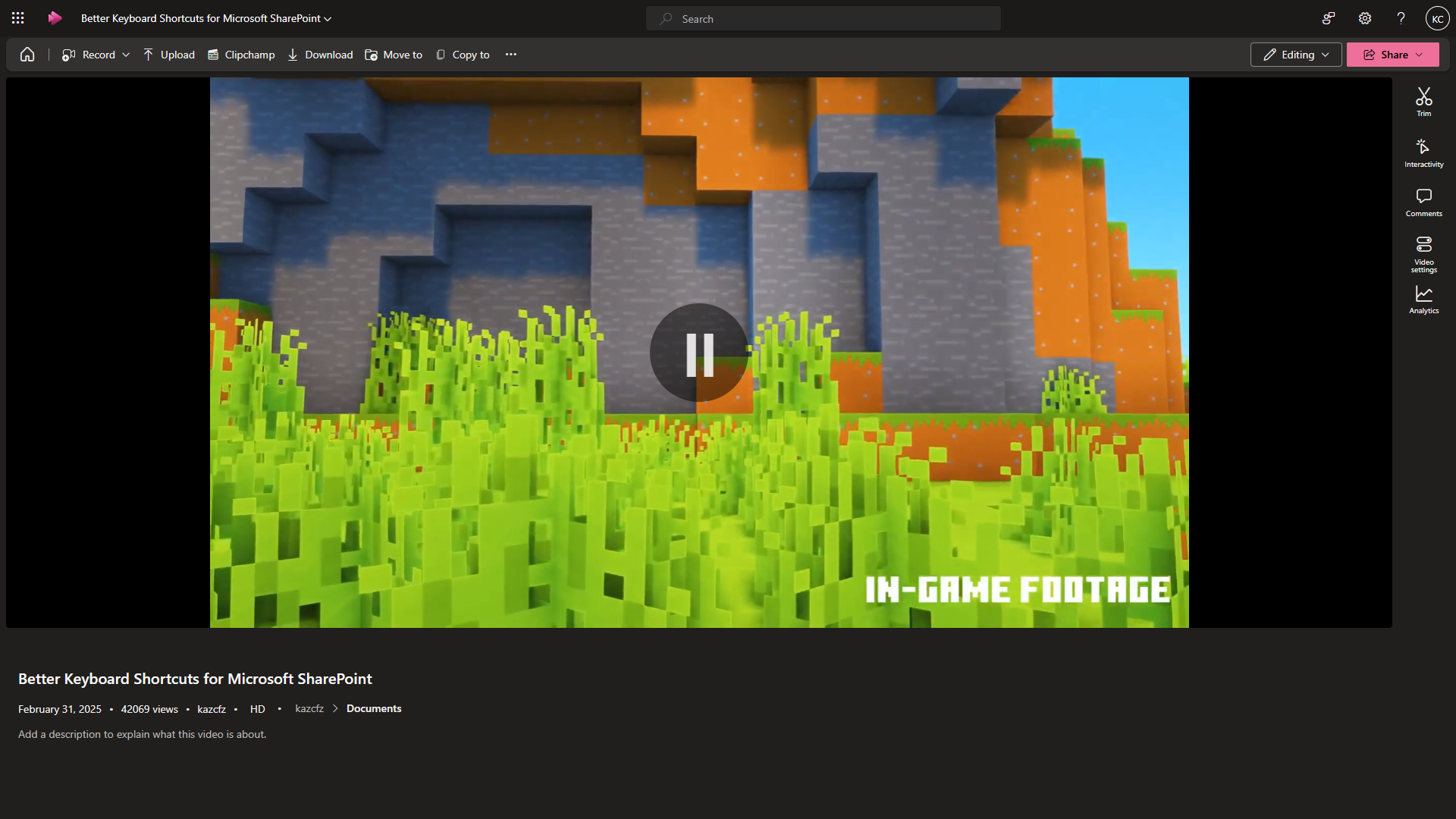
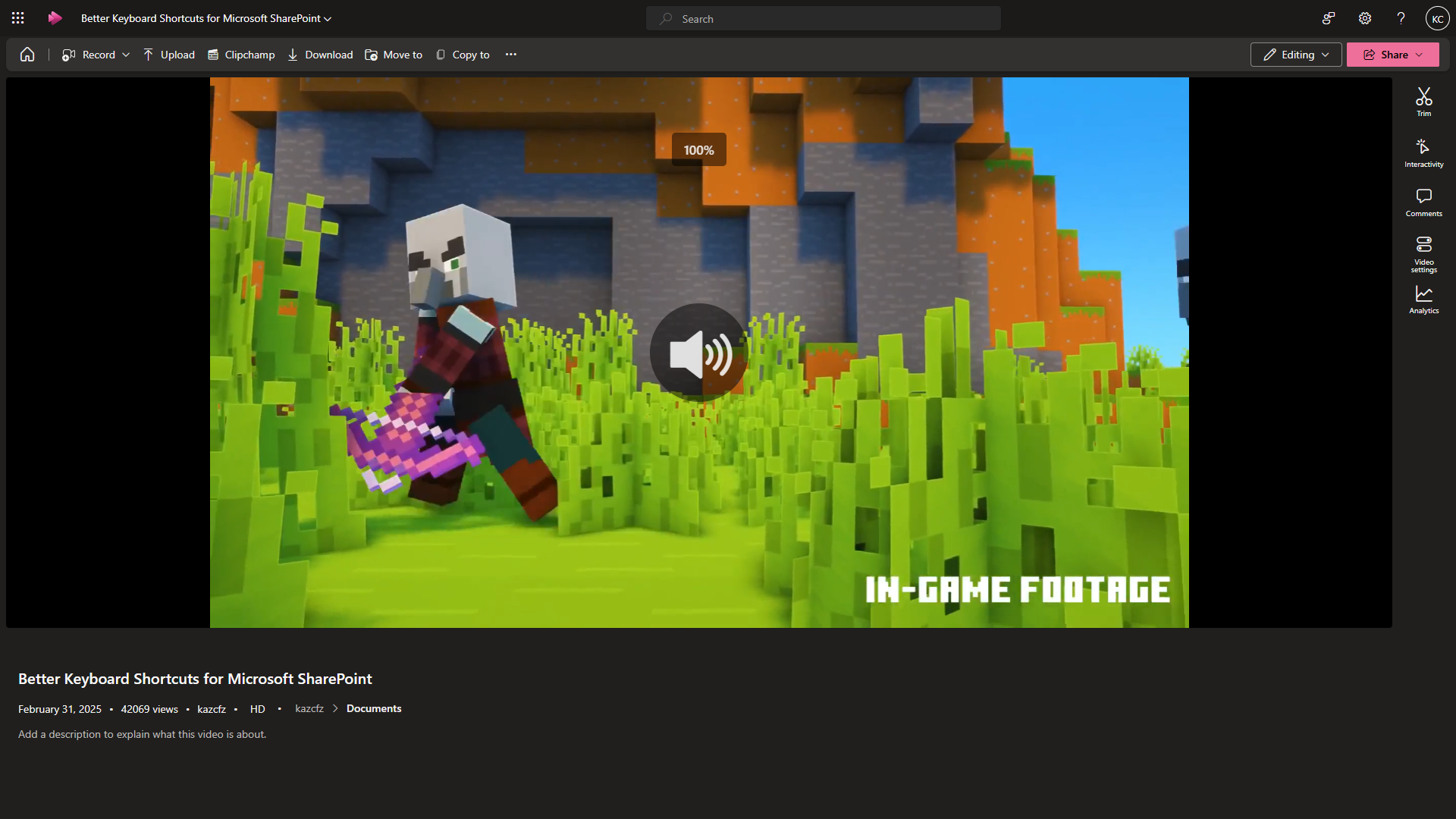
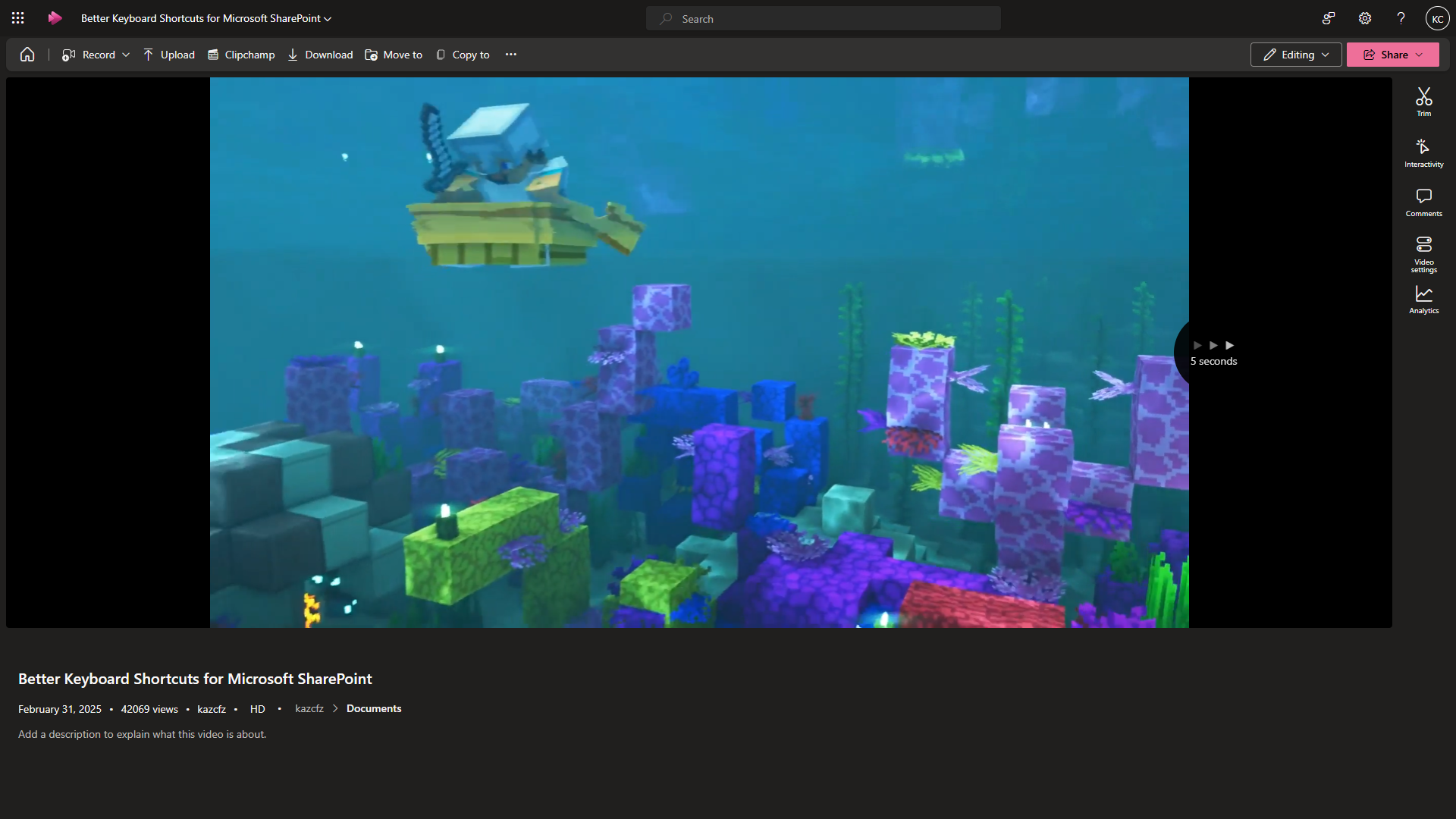
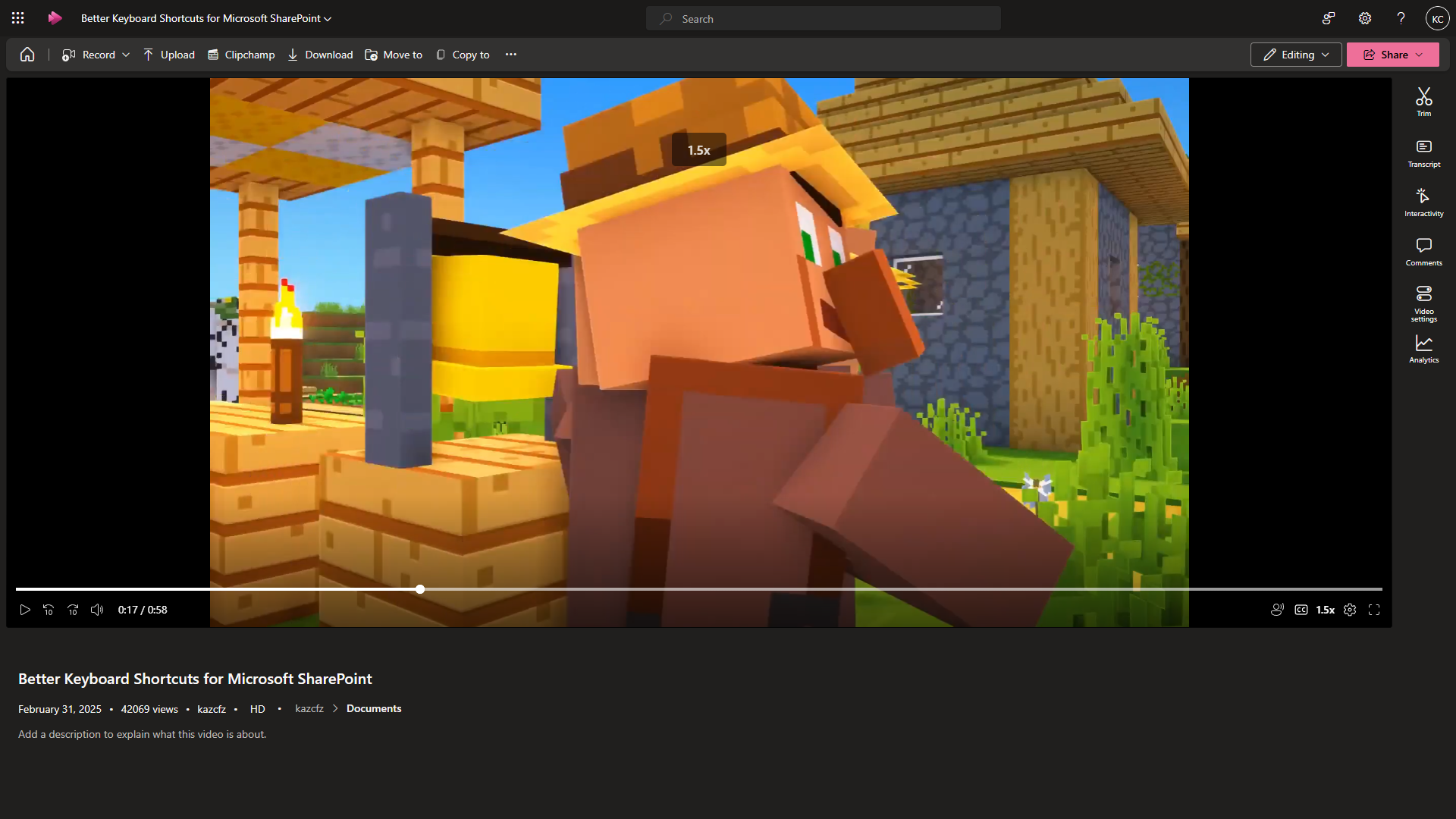
Screenshot Preview Screenshot PreviewScreenshot Preview Screenshot Preview

⚙️ Update

v1.3.0 (12/06/25)
▪ Added more keyboard shortcuts and visual indicators
▪ Changed visual indicators' sizes and duration

v1.2.1 (12/06/25)
▪ Fixed inconsistent coloring of visual indicators

v1.2.0 (06/06/25)
▪ Added visual indicators for Play/Pause/Volume Up/Down/Mute
▪ Added more keyboard shortcuts (Arrow up/down for volume. Space for play/pause. 'm' for mute. 'c' for captions. 'a' for noise suppression)
▪ Added support for embedded videos

v1.1.1 (04/06/25)
▪ Improved reliability to detect dynamically-loaded video player

v1.1.0 (04/06/25)
▪ Added overlay to display left/right triangle animation and seconds skipped
▪ Restricted function to arrow keys only, excluding combination keys (e.g. Alt + Left-arrow)