GitHub соавтор

Добавьте кнопку в PR GitHub, чтобы добавить всех участников PR в качестве соавторов перед слиянием.


Чтобы установить этот скрипт, вы сначала должны установить расширение браузера, например Tampermonkey, Greasemonkey или Violentmonkey.

Для установки этого скрипта вам необходимо установить расширение, такое как Tampermonkey.

Чтобы установить этот скрипт, вы сначала должны установить расширение браузера, например Tampermonkey или Violentmonkey.

Чтобы установить этот скрипт, вы сначала должны установить расширение браузера, например Tampermonkey или Userscripts.

Чтобы установить этот скрипт, сначала вы должны установить расширение браузера, например Tampermonkey.

Чтобы установить этот скрипт, вы должны установить расширение — менеджер скриптов.

(у меня уже есть менеджер скриптов, дайте мне установить скрипт!)

Чтобы установить этот стиль, сначала вы должны установить расширение браузера, например Stylus.

Чтобы установить этот стиль, сначала вы должны установить расширение браузера, например Stylus.

Чтобы установить этот стиль, сначала вы должны установить расширение браузера, например Stylus.

Чтобы установить этот стиль, сначала вы должны установить расширение — менеджер стилей.

Чтобы установить этот стиль, сначала вы должны установить расширение — менеджер стилей.

Чтобы установить этот стиль, сначала вы должны установить расширение — менеджер стилей.

(у меня уже есть менеджер стилей, дайте мне установить скрипт!)

Автор
人民的勤务员
Установок в день
0
Всего установок
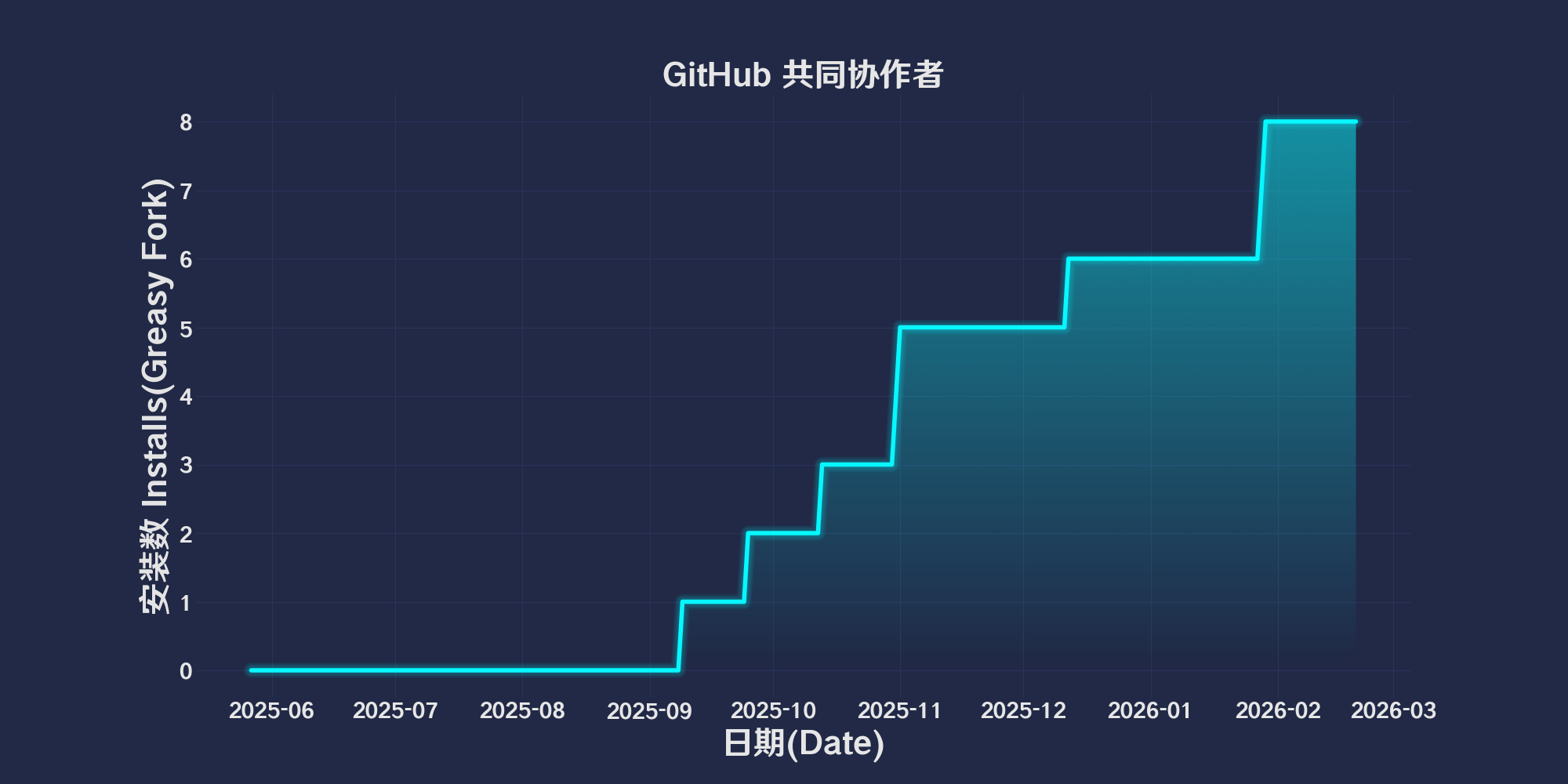
6
Оценки
0 0 0
Версия
2025.5.27.1
Создано
27.05.2025
Обновлено
27.05.2025
Размер
44,3 КБ
Совместимость
Совместим с Firefox Совместим с Chrome Совместим с Opera Совместим с Safari Совместим с Edge
Лицензия
MIT
Работает на

简体中文 | English | 한국어 | Tiếng Việt | 繁體中文

👆️access GitHub Readme file on for a better experience。

Recommended use:
Support
Support
Support
💡 Tip: The script manager and browser listed above do not represent all
The script runs normally in the following environment
Passed

GitHub Co-author

「 Add a button in GitHub PR to add all PR participants as co-authors before merging. 」

Views

Download:Github | ⭐Greasy Fork

💖 The script referenced or used the following script:

🧑‍💻 @delucis ⇒ 📜 Better GitHub Co-Authors

Better GitHub Co-Authors

This scriptofFunction is for GitHub of Pull Request(PR)Add a button on the page,Used to quickly PR Participants added as co-author,This simplifies the collaboration process。
Modified the original script,Make it supportiveTOKENAccess is used to avoidAPIAccess frequency limit

Function description

  1. First run initialization
    When the script is first run,The user will be prompted to enter GitHub of Token。Token Will be stored securely,Used for subsequent calls GitHub API。

  2. Dynamic page loading support
    The script will listen GitHub Navigation events on the page(turbo:render),To ensure that the button is still available when the page toggles。

  3. user interface
    exist PR Add a button to the page "Add co-authors" and status prompt box,Users can add this button with one click co-author information。

  4. Automatically acquire participants

    • The script will be from the current one PR Extract participants from the following sources:
      • PR Comment
      • Review Comment
      • Audit record
    • Generate for each participant Co-authored-by Format message。

usage

  1. Installation script
  2. Open GitHub PR page。
  3. Click the script to generate automatically "Add co-authors" Button。
  4. The script will automatically transfer participants’ Co-authored-by Add information to the commit message。
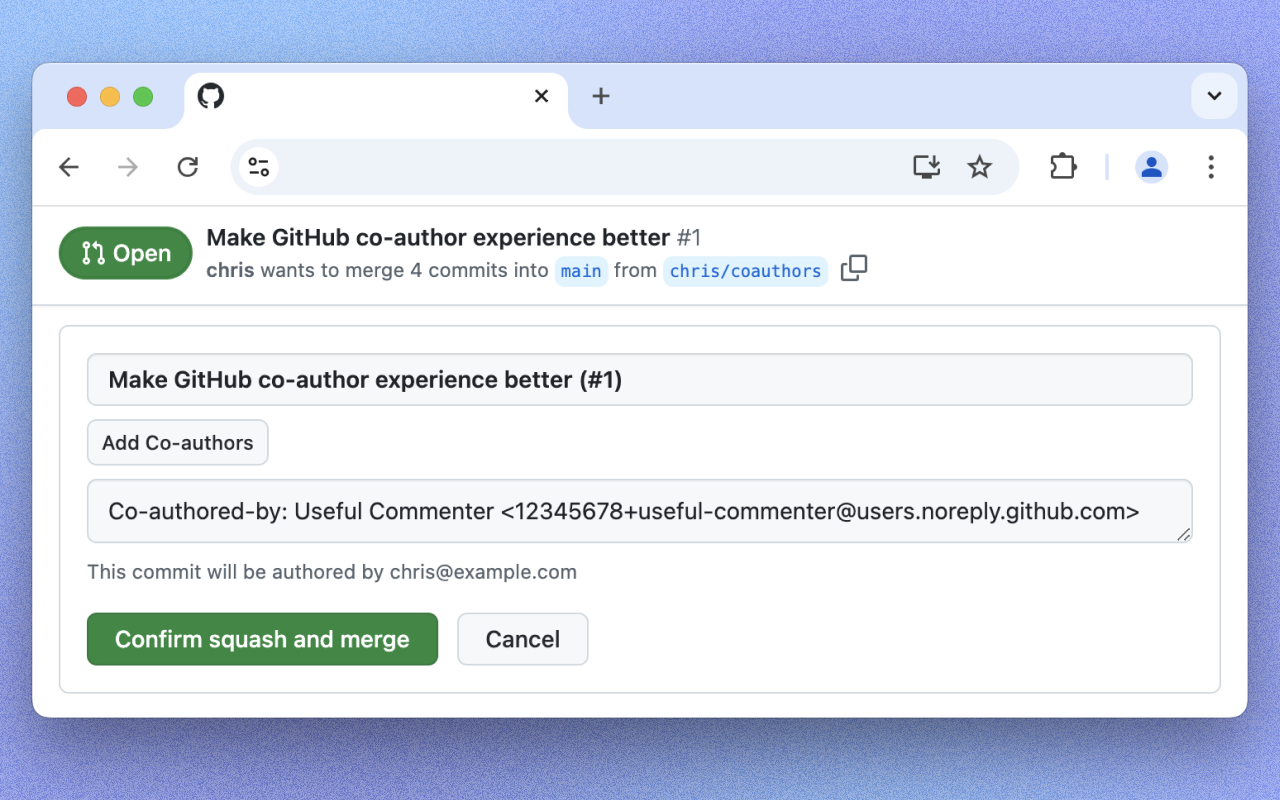
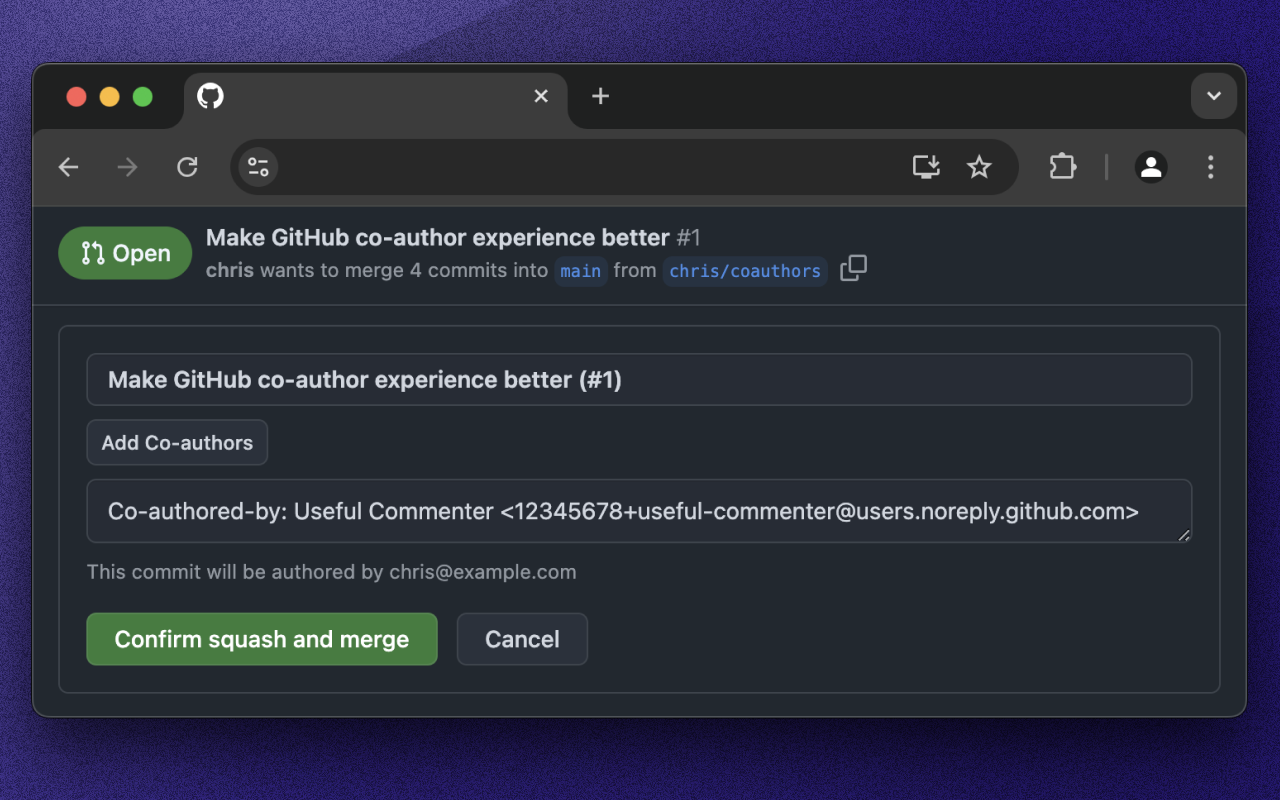
Use effect

light.png 2025.05.27

Help

Recommended browser and script manager:

  • Greasemonkey + Waterfox
  • Tampermonkey/Violentmonkey + Firefox
  • Tampermonkey/Violentmonkey + Chrome
  • Userscripts + ios Safari
  • Violentmonkey/KiWiBrowser + Android

If you need to learn more about how to install user scripts,Click meView the teaching of pictures and texts!

View all publish scripts