Greasy Fork is available in English.

Chatgpt Sohbeti Kaydet

Konuşmayı bir .txt dosyası olarak kaydedin

Bu betiği kurabilmeniz için Tampermonkey, Greasemonkey ya da Violentmonkey gibi bir kullanıcı betiği eklentisini kurmanız gerekmektedir.

Bu betiği yüklemek için Tampermonkey gibi bir uzantı yüklemeniz gerekir.

Bu betiği kurabilmeniz için Tampermonkey ya da Violentmonkey gibi bir kullanıcı betiği eklentisini kurmanız gerekmektedir.

Bu betiği kurabilmeniz için Tampermonkey ya da Userscripts gibi bir kullanıcı betiği eklentisini kurmanız gerekmektedir.

Bu betiği indirebilmeniz için ayrıca Tampermonkey gibi bir eklenti kurmanız gerekmektedir.

Bu komut dosyasını yüklemek için bir kullanıcı komut dosyası yöneticisi uzantısı yüklemeniz gerekecek.

(Zaten bir kullanıcı komut dosyası yöneticim var, kurmama izin verin!)

Bu stili yüklemek için Stylus gibi bir uzantı yüklemeniz gerekir.

Bu stili yüklemek için Stylus gibi bir uzantı kurmanız gerekir.

Bu stili yükleyebilmek için Stylus gibi bir uzantı yüklemeniz gerekir.

Bu stili yüklemek için bir kullanıcı stili yöneticisi uzantısı yüklemeniz gerekir.

Bu stili yüklemek için bir kullanıcı stili yöneticisi uzantısı kurmanız gerekir.

Bu stili yükleyebilmek için bir kullanıcı stili yöneticisi uzantısı yüklemeniz gerekir.

(Zateb bir user-style yöneticim var, yükleyeyim!)

Yazar
人民的勤务员
Günlük kurulumlar
0
Toplam kurulumlar
184
Değerlendirmeler
1 0 0
Versiyon
2025.6.3.1
Oluşturulma
29.05.2025
Güncellenme
03.06.2025
Boyut
27,2 KB
Uyumluluk
Firefox ile uyumluluk Chrome ile uyumluluk Opera ile uyumluluk Safari ile uyumluluk Edge ile uyumluluk
Lisans
MIT
Geçerli

简体中文 | English | 한국어 | Tiếng Việt | 繁體中文

👆️access GitHub Readme file on for a better experience。

Recommended use:

Support
Support
💡 Tip: The script manager and browser listed above do not represent all
The script runs normally in the following environment
Passed

ChatGPT Save conversation

「 Save the conversation as a .txt file 」

Views

Download:Github | ⭐Greasy Fork

Update records

🛠️ ChatGPT Save the conversation Update log

📅 2025.6.3.1

Revise: Change the button color to green,Convenient identification
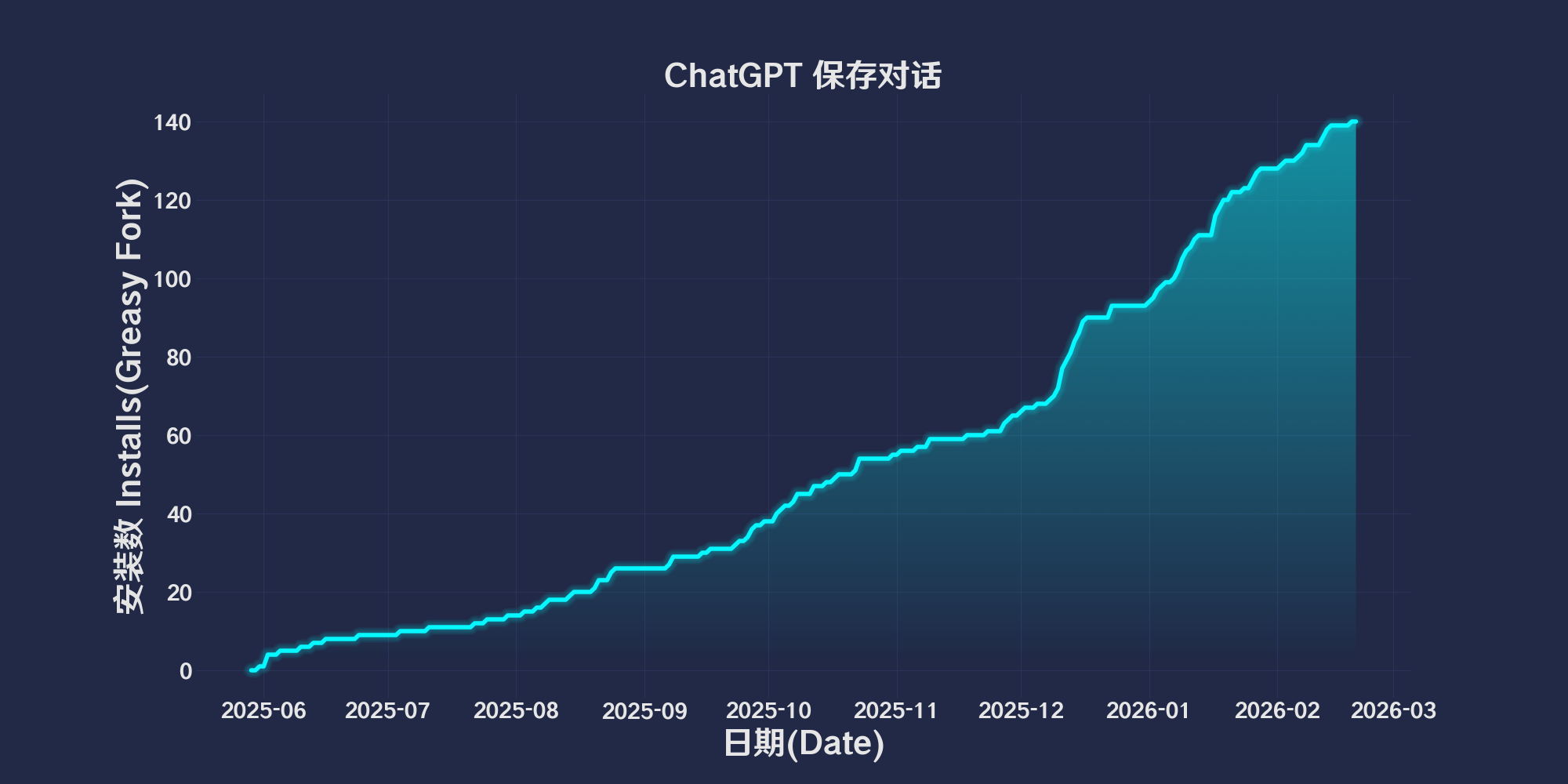

Introduction to the chat content save button script

Automatically add a fixed position“Save the conversation”Button,After clicking the button, the chat conversation content in the current page will be extracted and saved as a plain text file.,Convenient to users export and backup chat history。


Main functions

  • Extract chat messages
    From all included in the page data-message-id Elements of attributes extract conversation content,And according to data-message-author-role Attribute judgment role(User / Assistant wait)。

  • Format text
    according to Character name: Line break,Write the corresponding text content,Use between each messageSeparationsymbol --- Separation。

  • Generate file name
    Priority to the use of web titles40characters as file name,If there is no title, start with the dialogue5Lowercase splicing of words as file names,The default file name is conversation.txt

  • Download text file
    use Blob Object creation download link,Simulate click to download the conversation content text file。

  • Interface interaction
    A small button is displayed in the upper left corner of the page,Click to save the current conversation。


Code structure description

  • capitalizeRole(role):Format the initial letter of the role based on the role string。
  • generateFileName(messages):Generate file name based on page title or first message。
  • saveConversation():Core Functions,Collect message content、format、Generate file and trigger download。
  • createDownloadButton():Create and add a fixed one“Save the conversation”Button to page。
  • waitForBody Timer:Wait for the page body and chat messages to complete the loading of buttons。

How to use

  1. Add this script to the browser user script manager(like Tampermonkey)。
  2. Open a web page with chat conversations(Support with data-message-id and data-message-author-role The structure of attributes)。
  3. The upper left corner of the page appears“Save the conversation”Button,After clicking, you can export the current chat content as .txt document。

Applicable scenarios

  • Export and backup web chat history。
  • View conversation content offline。
  • Convenient to share or archive chat text。

Things to note

  • Depend on page structure,Require message node to have data-message-id and data-message-author-role property。
  • Extract only with .whitespace-pre-wrap or .markdown Text content of class。
  • Simple and fixed button style,The location can be customized as needed。

This script is suitable for users who need to quickly save web chat history。

💖 The script referenced or used the following script:

🧑‍💻 @Taylor-eOS ⇒ 📜 Save Conversation

Help

Recommended browser and script manager:

  • Greasemonkey + Waterfox
  • Tampermonkey/Violentmonkey + Firefox
  • Tampermonkey/Violentmonkey + Chrome
  • Userscripts + ios Safari
  • Violentmonkey/KiWiBrowser + Android

If you need to learn more about how to install user scripts,Click meView the teaching of pictures and texts!

View all publish scripts


