Clean Cloudflare URL

Remove ugly Cloudflare-generated parameters from the url

You will need to install an extension such as Tampermonkey, Greasemonkey or Violentmonkey to install this script.

You will need to install an extension such as Tampermonkey to install this script.

You will need to install an extension such as Tampermonkey or Violentmonkey to install this script.

You will need to install an extension such as Tampermonkey or Userscripts to install this script.

You will need to install an extension such as Tampermonkey to install this script.

You will need to install a user script manager extension to install this script.

(Tôi đã có Trình quản lý tập lệnh người dùng, hãy cài đặt nó!)

You will need to install an extension such as Stylus to install this style.

You will need to install an extension such as Stylus to install this style.

You will need to install an extension such as Stylus to install this style.

You will need to install a user style manager extension to install this style.

You will need to install a user style manager extension to install this style.

You will need to install a user style manager extension to install this style.

(I already have a user style manager, let me install it!)

Tác giả
andylizi
Cài đặt hàng ngày
1
Số lần cài đặt
1.768
Đánh giá
4 0 0
Phiên bản
0.2
Đã tạo
03-05-2021
Đã cập nhật
11-12-2023
Kích thước
1 KB
Giấy phép
N/A
Áp dụng cho

Lots of websites use Cloudflare nowadays. It has an Under Attack mode that will check you browser and add some parameters to the URL. They are long, ugly, and not share-friendly. I don't want them in my address bar!

  • __cf_chl_jschl_tk__
  • __cf_chl_managed_tk__
  • __cf_chl_captcha_tk__
  • __cf_chl_tk
  • __cf_chl_rt_tk
  • __cf_chl_f_tk

This simple script removes these parameters from the URL. It won't affect anything else. (please let me know otherwise!)
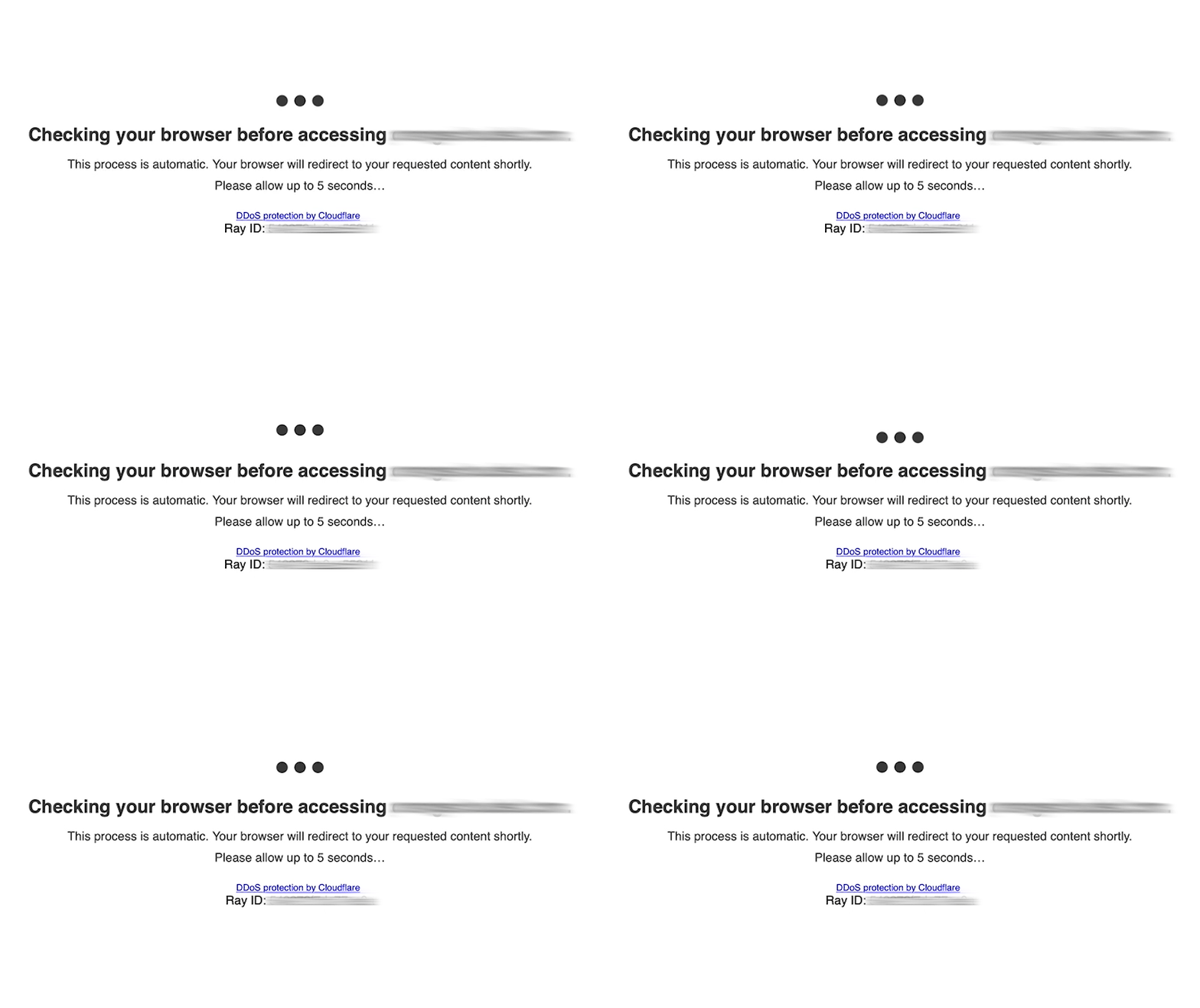
Cloudflare is checking your browser...