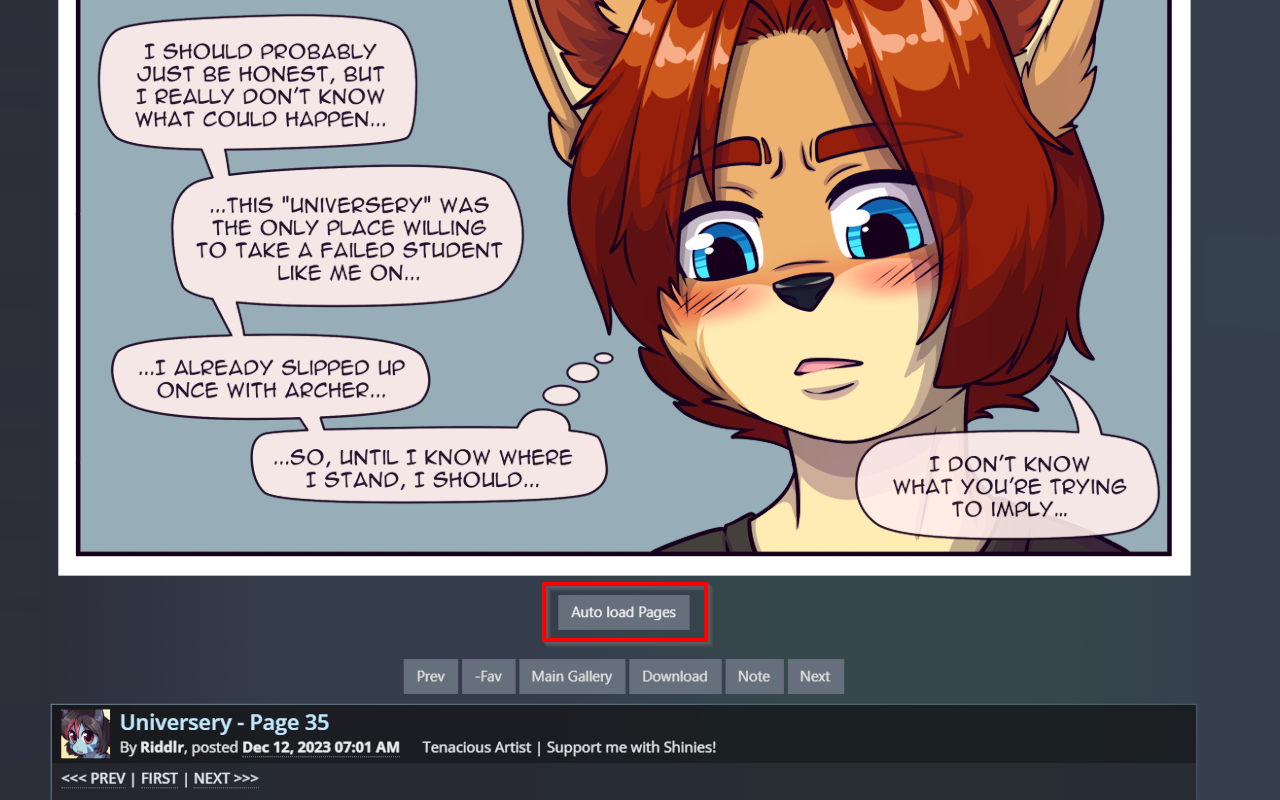
FA Webcomic Auto Loader

Gives you the option to load all the subsequent comic pages on a FurAffinity comic page automatically. Even for pages without given Links

You will need to install an extension such as Tampermonkey, Greasemonkey or Violentmonkey to install this script.

You will need to install an extension such as Tampermonkey to install this script.

You will need to install an extension such as Tampermonkey or Violentmonkey to install this script.

You will need to install an extension such as Tampermonkey or Userscripts to install this script.

You will need to install an extension such as Tampermonkey to install this script.

You will need to install a user script manager extension to install this script.

(Tôi đã có Trình quản lý tập lệnh người dùng, hãy cài đặt nó!)

You will need to install an extension such as Stylus to install this style.

You will need to install an extension such as Stylus to install this style.

You will need to install an extension such as Stylus to install this style.

You will need to install a user style manager extension to install this style.

You will need to install a user style manager extension to install this style.

You will need to install a user style manager extension to install this style.

(I already have a user style manager, let me install it!)

Tác giả
Midori Tsume
Cài đặt hàng ngày
0
Số lần cài đặt
116
Đánh giá
1 0 0
Phiên bản
2.2.8
Đã tạo
06-01-2023
Đã cập nhật
06-10-2025
Kích thước
60 KB
Giấy phép
MIT
Áp dụng cho

FA Webcomic Auto Loader

A userscript that enhances FurAffinity webcomic navigation by automatically detecting and loading comic pages. Also see docs on FA-Webcomic-Auto-Loader.

How to use

  • Load this script from GreasyFork or use it inside the browser extensions
  • The loader will automatically:
    • Detect comic navigation elements
    • Enable forward/backward navigation
    • Handle lightbox integration if enabled
    • Offer loading all comic pages
    • Searching for similar pages

Feature Roadmap

Feature Status
Comic navigation detection ✅ Completed
Forward/backward searching ✅ Completed
Custom lightbox integration ✅ Completed
Loading animations ✅ Completed
Navigation button customization ⠀⠀⠀⠀ ✅ Completed
Folder support ✅ Completed

Settings

  • showSearchButton - Enable/disable the search for similar pages button (default: true)
  • loadingSpinSpeed - Control loading animation speed (default: 1000)
  • backwardSearch - How many pages to search backwards (default: 3)
  • overwriteNavButtons - Whether to overwrite navigation buttons with comic navigation (default: true)
  • useCustomLightbox - Enable/disable custom lightbox (default: true)
  • useCustomLightboxNav - Enable/disable custom lightbox navigation (default: true)

Documentation

AutoLoader

The AutoLoader class contains the following properties:

  • submissionImg - The current comic page image
  • currComicNav - Current comic navigation instance (see ComicNavigation)
  • currComicNavExists - Whether the current comic navigation instance exists
  • currSid - The current submission ID

ComicNavigation

Handles comic navigation detection and management:

  • Detects navigation links in submission descriptions
  • Manages first, previous, and next page IDs
  • Provides navigation helper methods

Searching

There are 3 classes for search functionality:

  • ForwardSearch - Handles searching for next comic pages if comic navigation is missing
  • BackwardSearch - Handles searching for previous comic pages if comic navigation is missing
  • AutoLoaderSearch - Handles comic page loading if comic navigation is present