纯JavaScript编写的弹窗,内置方法confirm、alert、prompt、loading、iframe、isPhone、tooltip、folder、panel、rightClickMenu。
This script should not be not be installed directly. It is a library for other scripts to include with the meta directive // @require https://update.greatest.deepsurf.us/scripts/456485/1721976/pops.js

## pops.isPhone

判断是否是手机访问

```js
pops.iPhone()
-> true
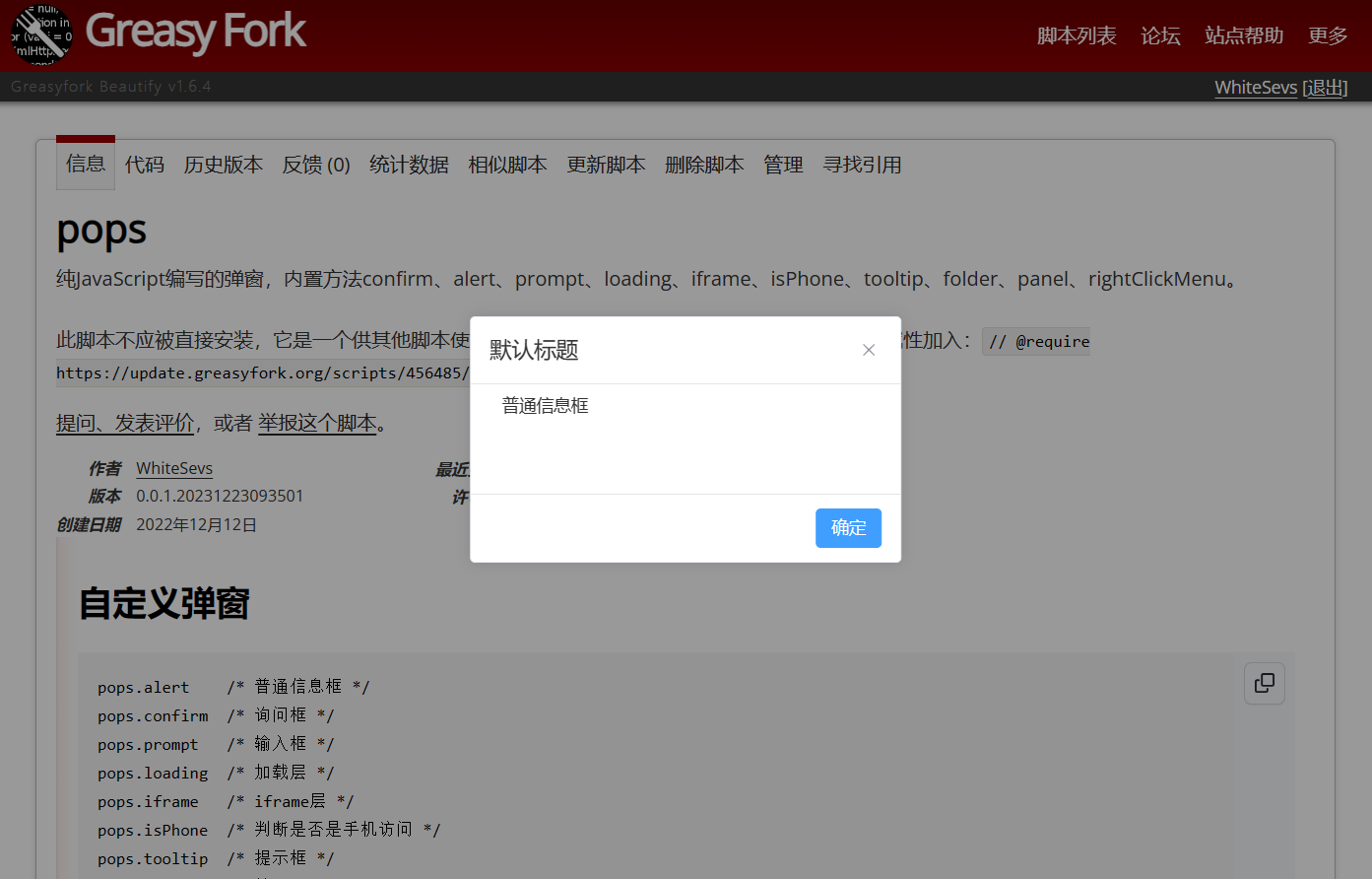
普通信息框
pops.alert({
  content: {
    text: "普通信息框",
  },
  mask: {
    enable: true,
    clickEvent: {
      toClose: true,
    },
  },
});
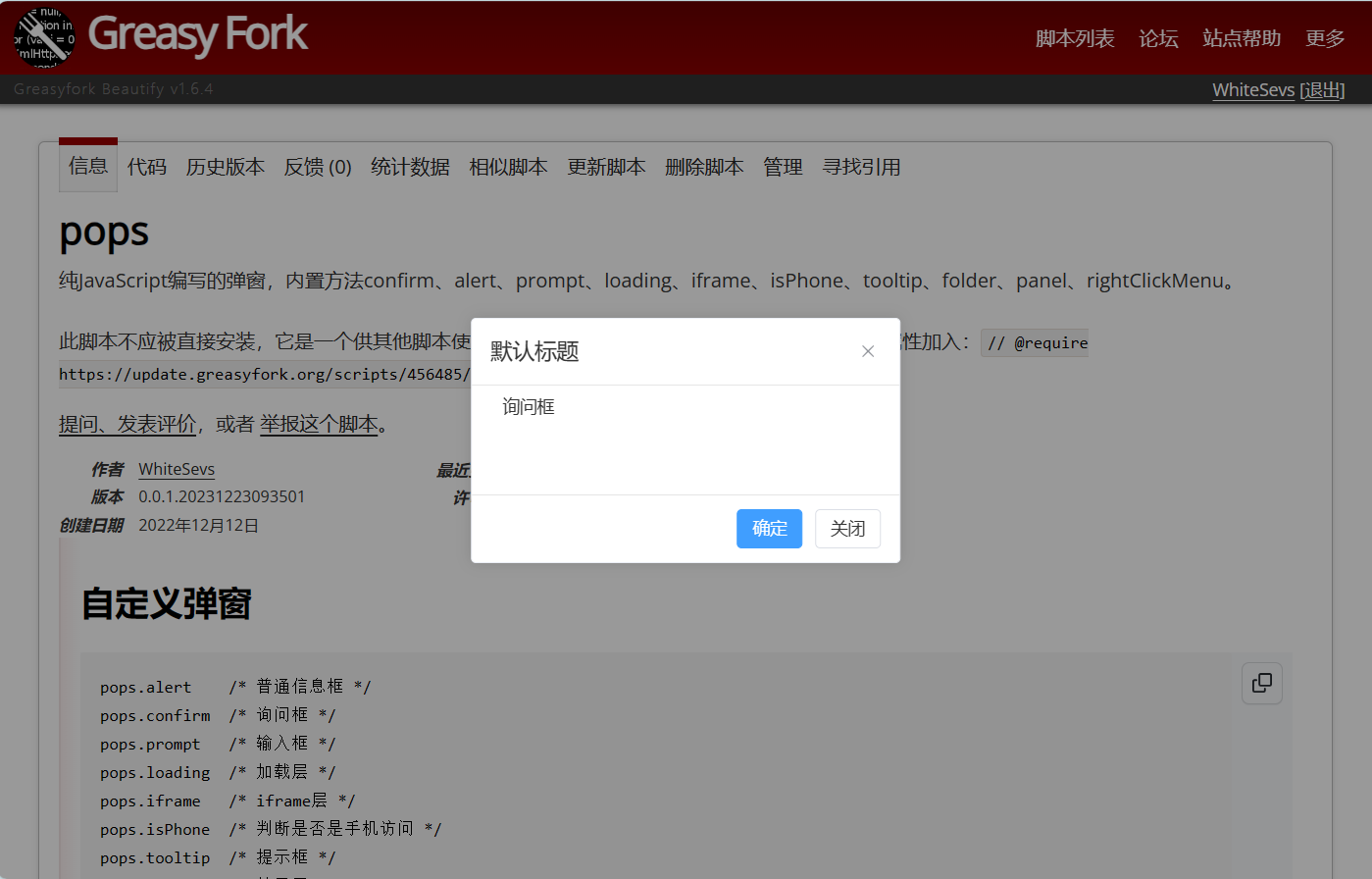
询问框
pops.confirm({
  content: {
    text: "询问框",
  },
  mask: {
    enable: true,
    clickEvent: {
      toClose: true,
    },
  },
});
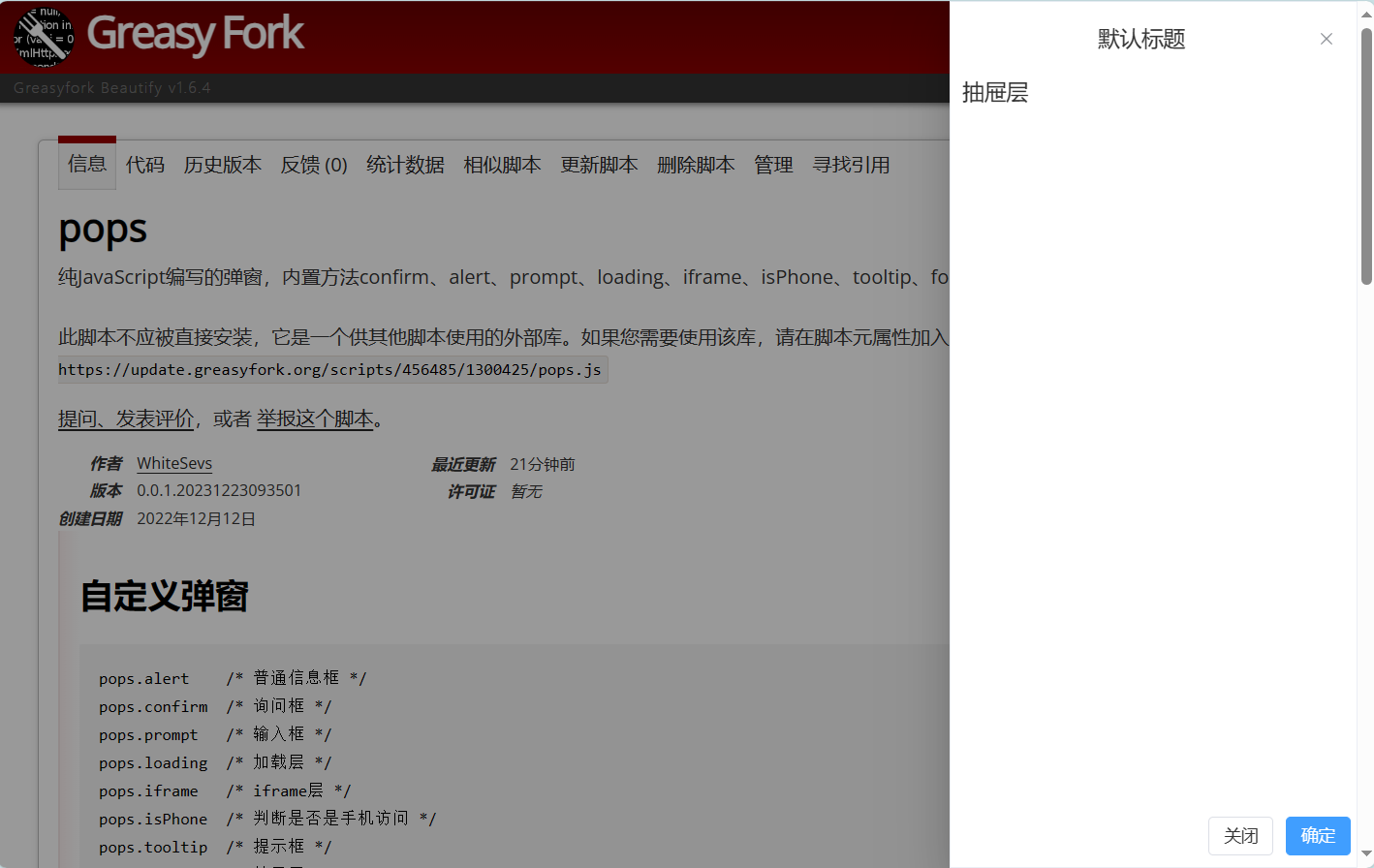
抽屉层
pops.drawer({
  content: {
    text: "抽屉层",
  },
  mask: {
    enable: true,
    clickEvent: {
      toClose: true,
    },
  },
});
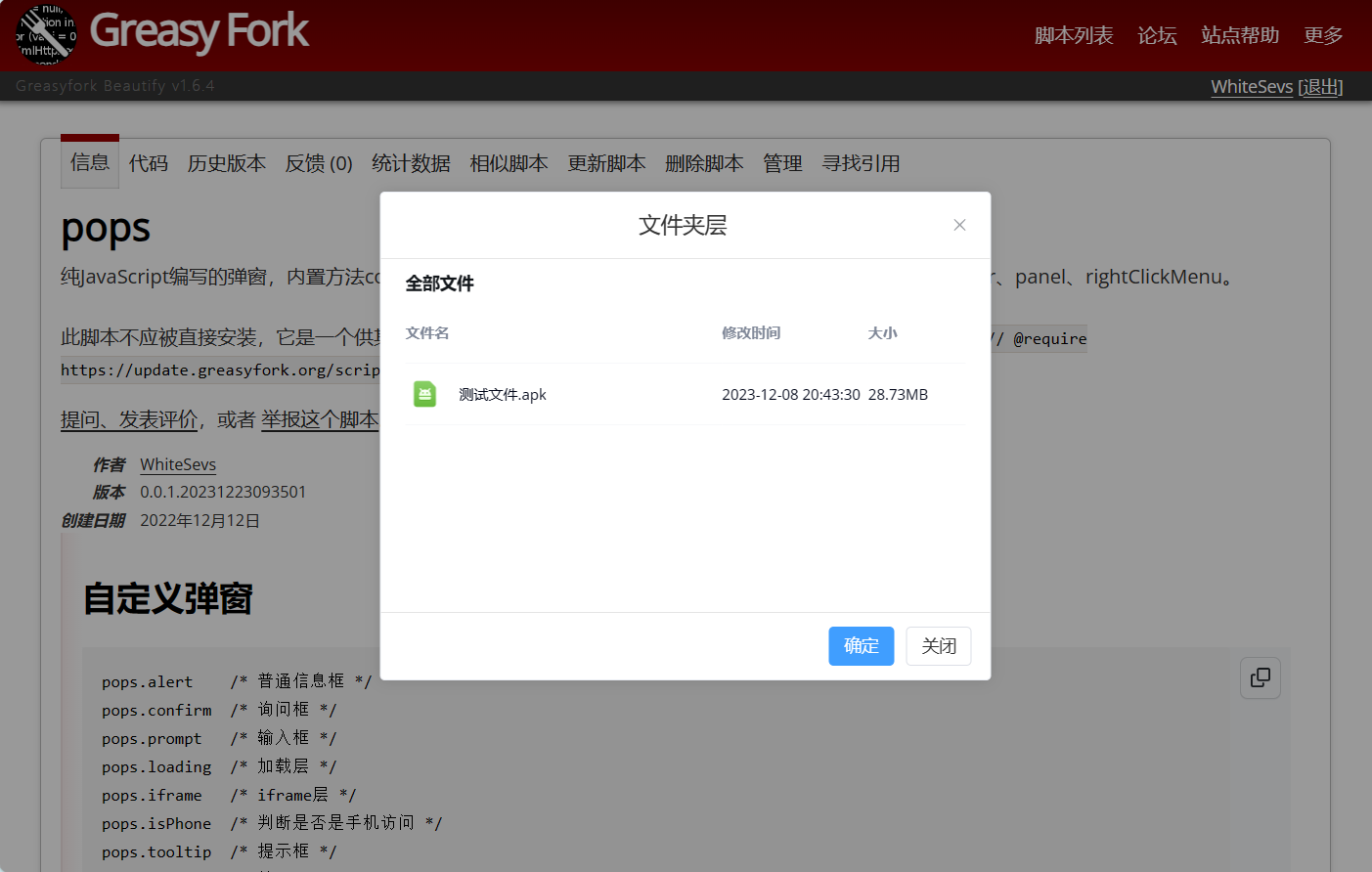
文件夹层
pops.folder({
  title: {
    text: "文件夹层",
  },
  folder: [
    {
      fileName: "测试文件.apk",
      fileSize: 30125682,
      fileType: "apk",
      createTime: 1702036410440,
      latestTime: 1702039410440,
      isFolder: false,
      index: 1,
      clickEvent() {
        console.log("下载文件:", this.fileName);
        return "https://update.greatest.deepsurf.us/scripts/456485/pops.js";
      },
    },
  ],
  mask: {
    enable: true,
    clickEvent: {
      toClose: true,
    },
  },
});
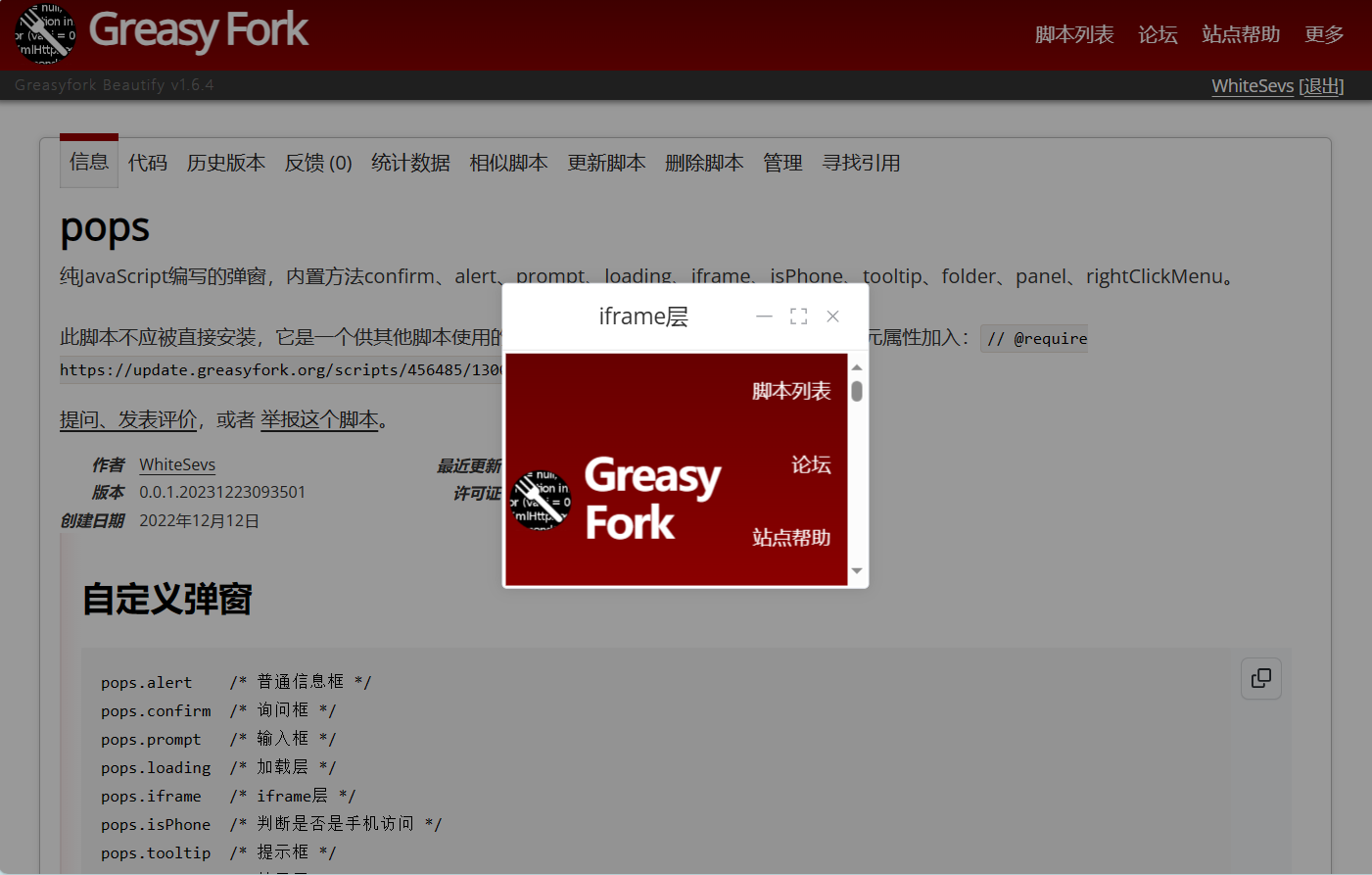
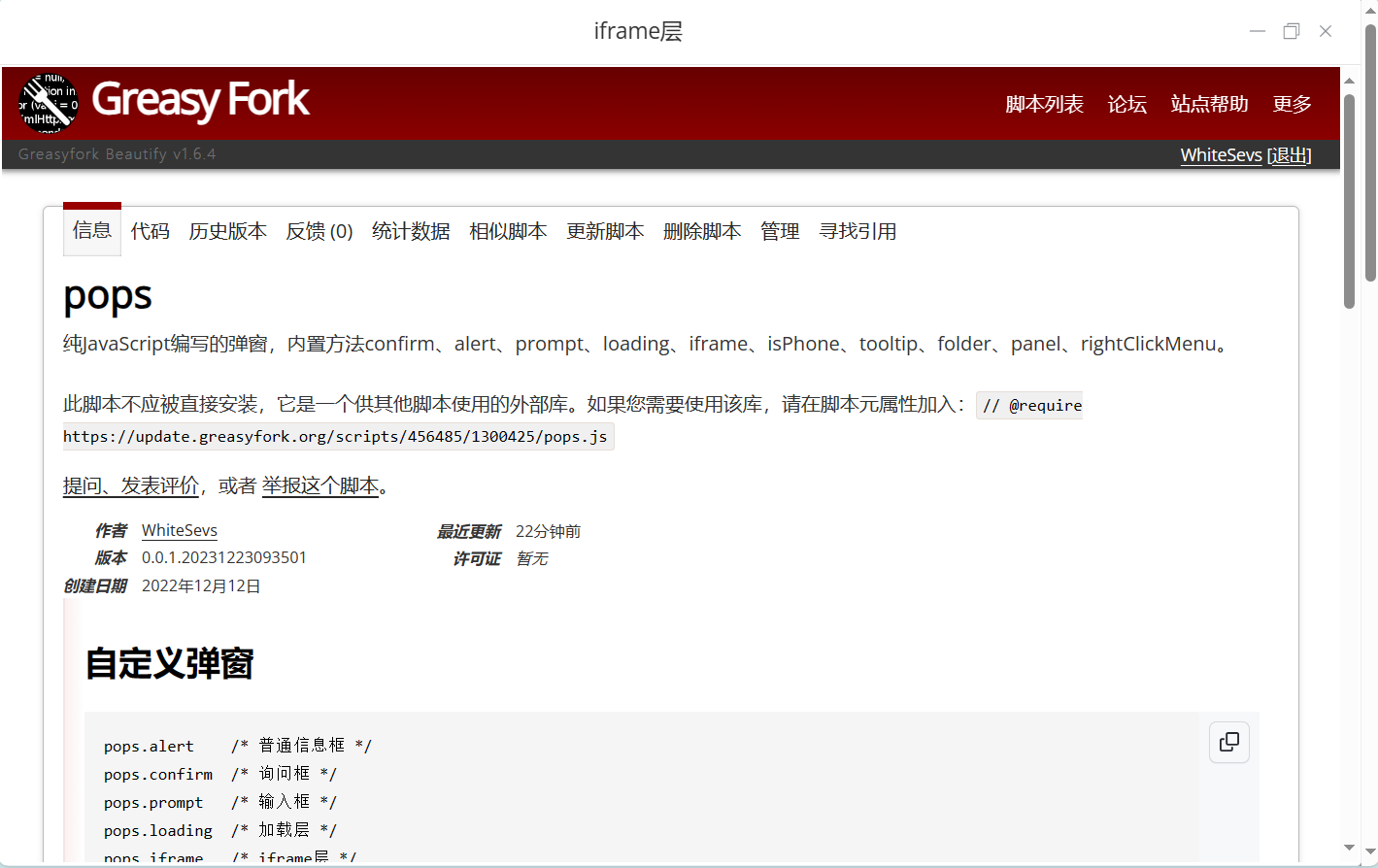
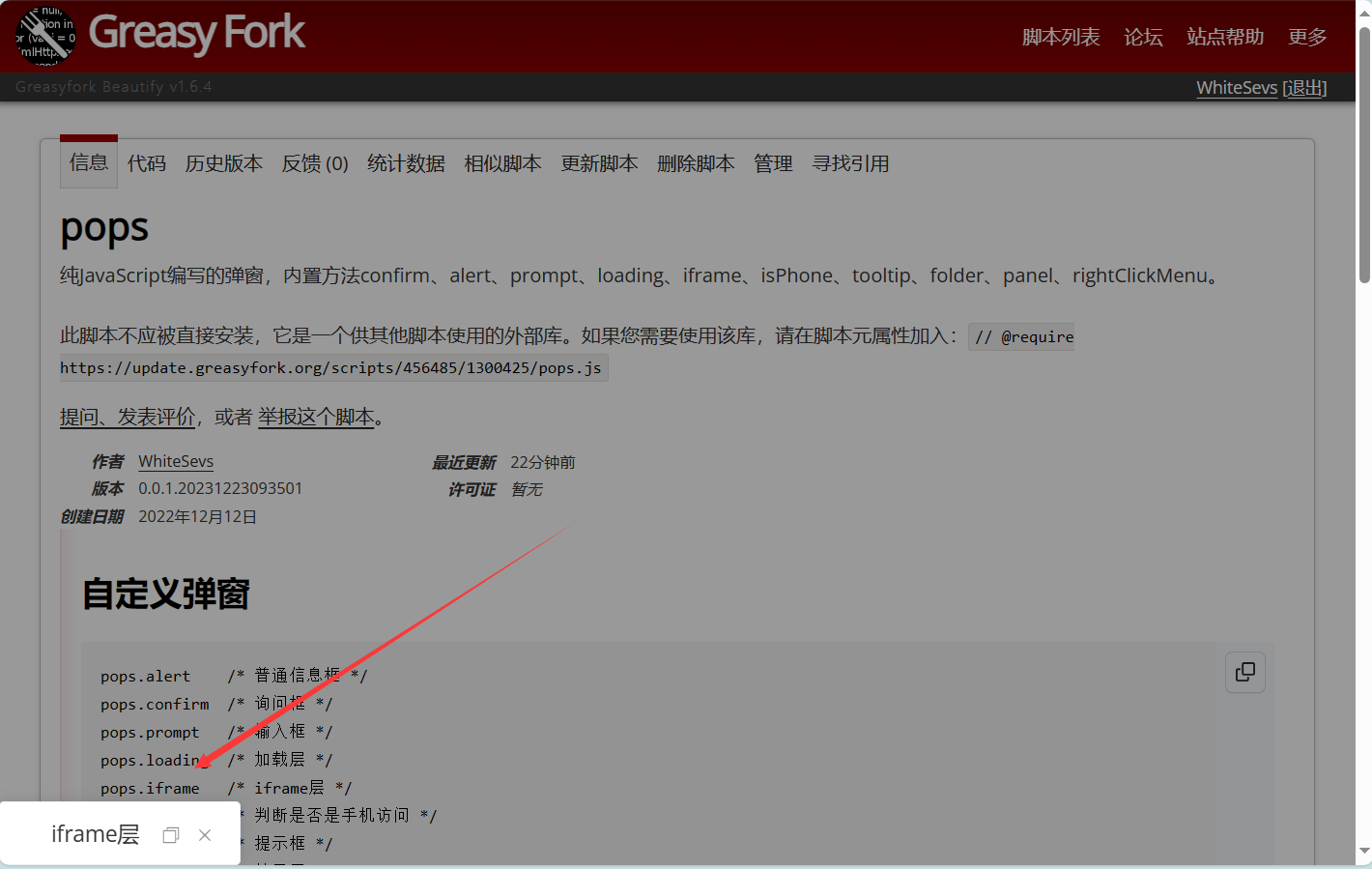
iframe层
pops.iframe({
  url: window.location.href,
  title: {
    text: "iframe层",
  },
  mask: {
    enable: true,
    clickEvent: {
      toClose: true,
    },
  },
});
加载层
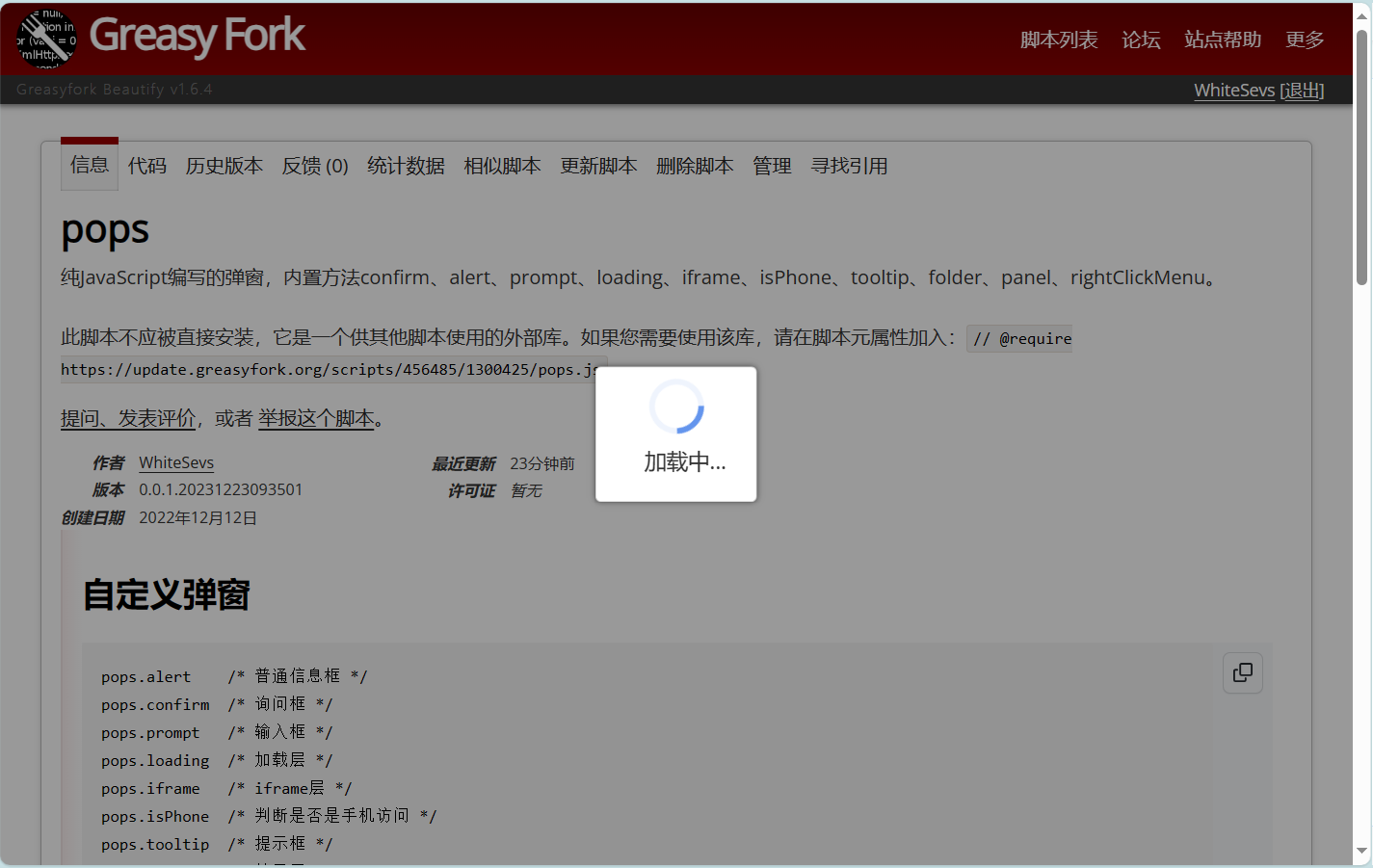
pops.loading({
  parent: document.body,
  content: {
    text: "加载中...",
    icon: "loading",
  },
  mask: {
    enable: true,
    clickEvent: {
      toClose: true,
    },
  },
});
面板层
pops.panel({
  title: {
    text: "面板层",
  },
  content: [
    {
      id: "whitesev-panel-config",
      title: "菜单配置",
      headerTitle: "菜单配置",
      isDefault: true,
      forms: [],
    },
  ],
  mask: {
    enable: true,
    clickEvent: {
      toClose: true,
    },
  },
});

输入框
pops.prompt({
  content: {
    text: "输入框的内容",
  },
  mask: {
    enable: true,
    clickEvent: {
      toClose: true,
    },
  },
});

右键菜单层
pops.rightClickMenu({
  target: document.documentElement,
  data: [
    {
      icon: pops.config.iconSVG.search,
      iconIsLoading: false,
      text: "右键菜单",
      callback(event) {
        console.log("点击:" + this.text, event);
      },
    },
  ],
});

提示框
pops.tooltip({
  target: document.querySelector("#user-container"),
  content: "鼠标悬浮提示内容",
});

let suggestion = pops.searchSuggestion({
  target: document.querySelector("input"),
});
suggestion.init();
