chimo-chimo-loop - HTML5 Video Enhancer

Supercharge HTML5 video playback with Picture-in-Picture (PiP), A-B loop, speed control, mirror/rotate, lossless screenshots, and advanced media statistics.

You will need to install an extension such as Tampermonkey, Greasemonkey or Violentmonkey to install this script.

You will need to install an extension such as Tampermonkey to install this script.

You will need to install an extension such as Tampermonkey or Violentmonkey to install this script.

You will need to install an extension such as Tampermonkey or Userscripts to install this script.

You will need to install an extension such as Tampermonkey to install this script.

You will need to install a user script manager extension to install this script.

(I already have a user script manager, let me install it!)

You will need to install an extension such as Stylus to install this style.

You will need to install an extension such as Stylus to install this style.

You will need to install an extension such as Stylus to install this style.

You will need to install a user style manager extension to install this style.

You will need to install a user style manager extension to install this style.

You will need to install a user style manager extension to install this style.

(I already have a user style manager, let me install it!)

Author
Zhuorui Liu
Daily installs
1
Total installs
232
Ratings
2 0 0
Version
1.6.1
Created
2025-11-18
Updated
2026-04-23
Size
44.3 KB
License
GPL-3.0
Applies to

chimo-chimo-loop

License GreasyFork Installs GitHub stars

Read this in other languages: 日本語, 简体中文
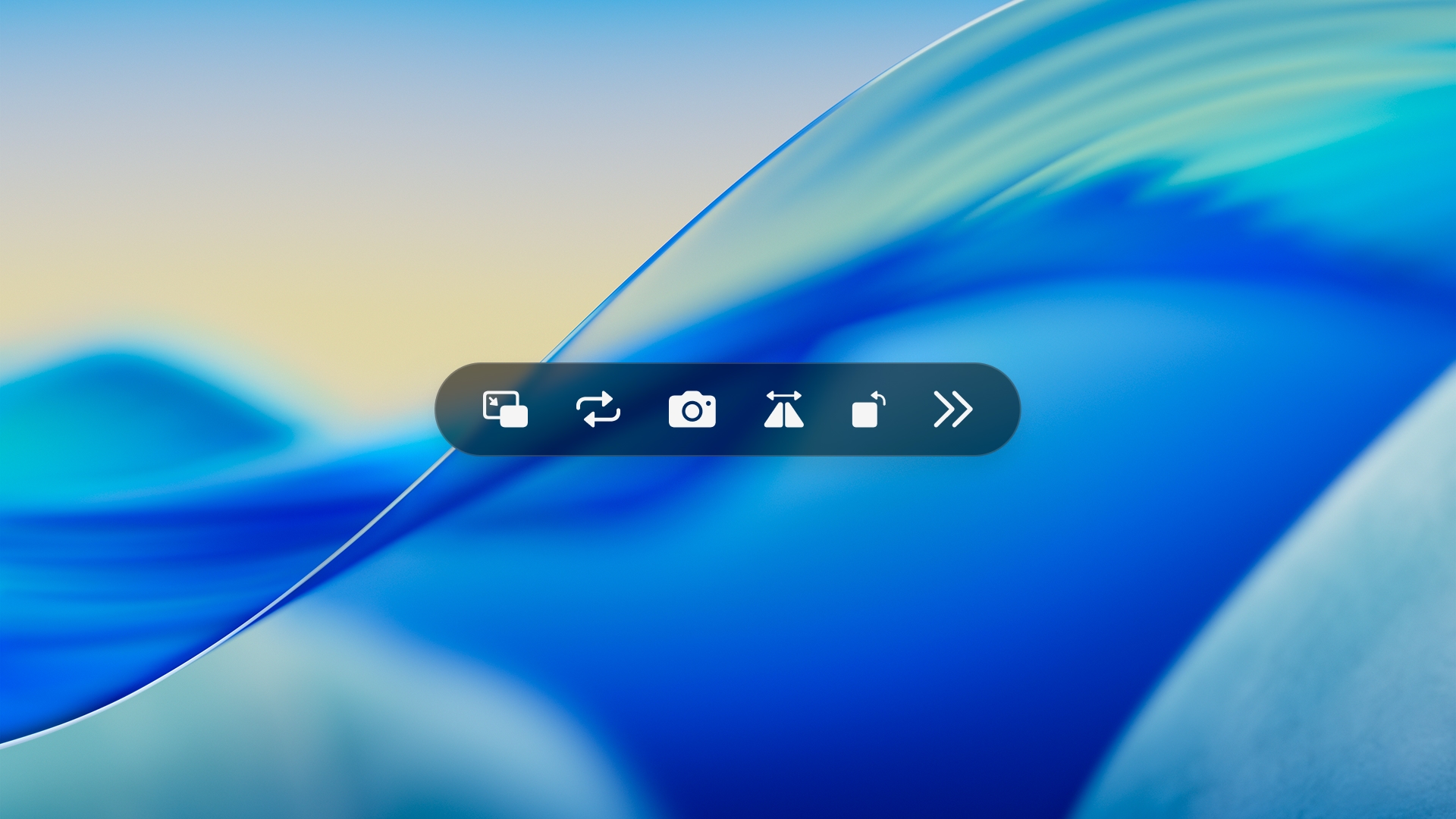
chimo-chimo-loop showcase

A lightweight userscript that adds a surgical-grade floating control bar with PiP, A-B Loop, Speed control, and Media Statistics to HTML5 videos.

Primarily tested on Safari for macOS. Also compatible with Chromium browsers (e.g., Edge).

Features & Shortcuts

💡 Modifier Key: Use Alt on Windows and Option (⌥) on macOS. Note: Shortcuts are intelligently disabled while typing in input fields or textareas.

Feature Description Shortcut
🔳 Picture-in-Picture Toggle floating video mode. + P
🔁 A-B Loop L to enable Full Loop (auto-sets Point A).
B to lock Point B and start A-B looping.
+ L / B
📸 Lossless Screenshot Capture a 1:1 original resolution PNG frame without UI overlay. + S
🪞 Spatial Control M to Mirror horizontally.
R to Rotate in 90° increments (with adaptive scaling).
+ M / R
Playback Speed - to decrease, = to increase speed (0.5x ~ 2.0x).
0 to instantly reset to 1.0x.
+ - / = / 0
Seek & Playback Space to Play/Pause video.
/ to seek backward/forward by 5 seconds.
+ Space / /
🔊 Audio Control / to adjust volume by ±10%.
U to toggle Mute.
+ / / U
📊 Media Stats Toggle real-time FPS, resolution, and color space tracking. + I
👻 Auto-hide The UI elegantly fades out after 3 seconds of inactivity. -

💡 Pro Tip: Combine A-B Loop with 0.5x Speed to easily breakdown and master complex guitar fingerstyle mechanics (requiring both hands) or detailed dance choreography.

Compatibility

  • Universal Support: Works on most pages utilizing standard HTML5 <video> elements.
  • Feature Priority: If a website already provides equivalent native functionality, using their built-in controls is recommended for the best experience.
  • Behavioral Notes: Some platforms use custom playback logic, which may occasionally cause the script's visual state to differ slightly from actual site behavior.

Installation

🚀 Install via GreasyFork


"See you in the next loop."