One-click export for Claude, ChatGPT, Gemini , Google AI Studio & NotebookLM. Backups all chat branches, artifacts, and attachments. Exports to JSON/Markdown/PDF/Editable Screenshots. The ultimate companion for Lyra Exporter to build your local AI knowledge base.
🚀 Lyra Exporter Fetch - The Ultimate AI Chat Backup
One-Click Export for Claude, ChatGPT, Gemini, NotebookLM & Google AI Studio. Supports Branches, PDF, Long Screenshot, Markdown, and SillyTavern.
Lyra Exporter Fetch is the essential companion userscript for Lyra Exporter. It transforms your browser into a powerful local archiver that safely reads conversations and:
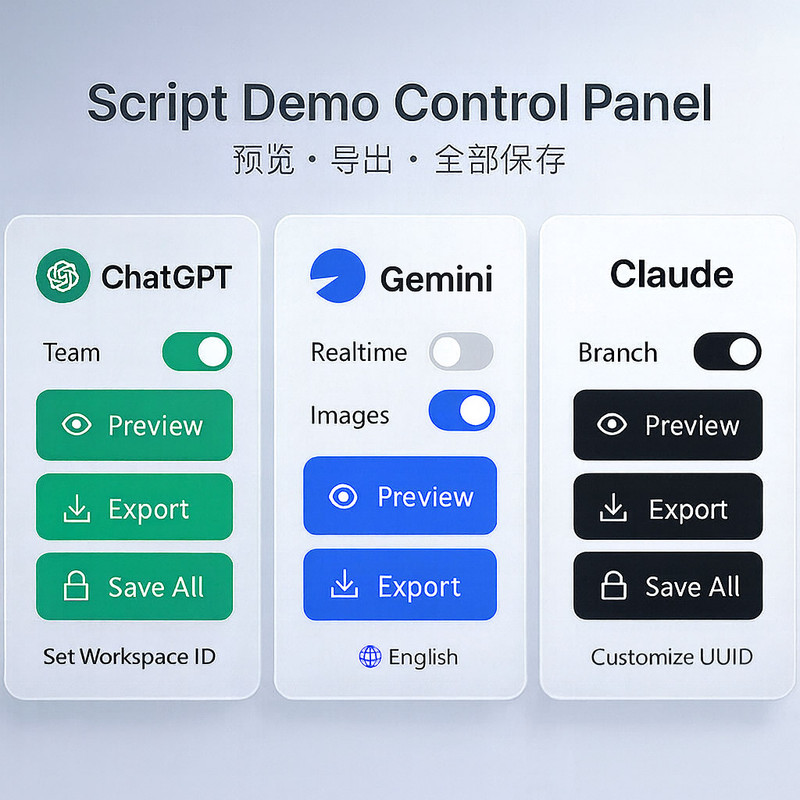
Local-first & Privacy Focused: The script only runs on pages you open and never uploads data to third-party servers. Your data stays yours.
🌲 Branch Visualization (Unique Feature):
📄 Versatile Export Formats:
🎨 High Fidelity Preservation:
⚡ Power User Tools:
Export All (Claude, ChatGPT) to archive your entire account history.Install a userscript manager: Tampermonkey (Recommended for Chrome/Edge/Safari) or Violentmonkey. For iOS, enable Tampermonkey via Settings → Safari → Extensions. For Android, Firefox or Microsoft Edge
Click Install this script (green button) on this page.
Open a conversation page on any supported platform (e.g., claude.ai, chatgpt.com, gemini.google.com).
Look for the Lyra Floating Button (usually bottom-right).
Click "Export JSON" for a quick backup, or "Preview" to see the branch tree.
(Best Experience) Open the JSON in Lyra Exporter to unlock global search, PDF export, and tagging.
